Learn the Metadata platform, one lesson at a time.
121 video lessons covering everything from your first login to advanced attribution and GTM engineering. Every tutorial is a real screen recording of the platform.
Not sure where to start? Pick a path.
Four guided paths through the 121 lessons — start at your level and work up.
The lesson library
Every walkthrough of MetadataONE in one place — 121 lessons, from day-1 setup to advanced analysis. Filter by what you are working on, by how deep you want to go, or by both.
Showing all 121 lessons
 2:42
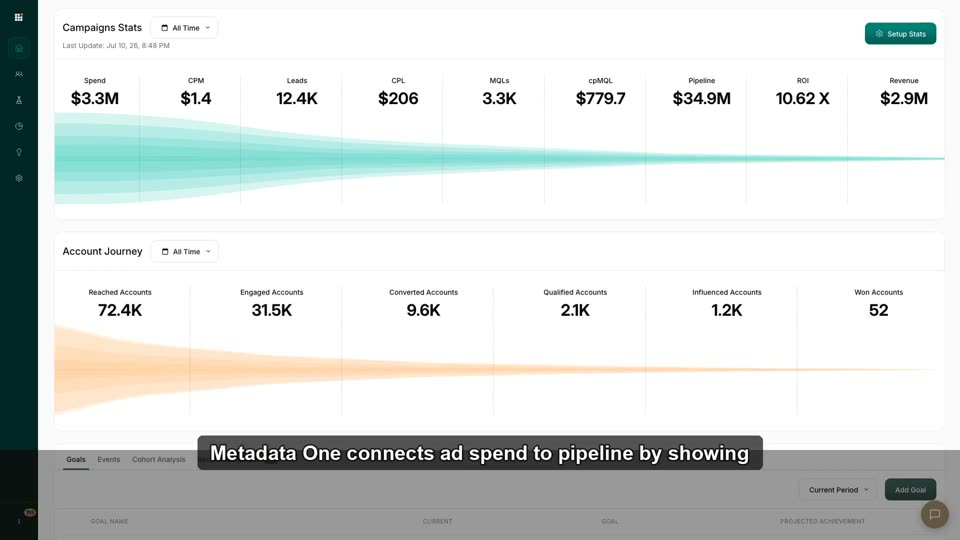
2:42MetadataONE in 90 Seconds: Hub vs. Spotlight
Understand the two halves — Hub runs ads, Spotlight measures accounts — and where everything lives in the nav.
 2:31
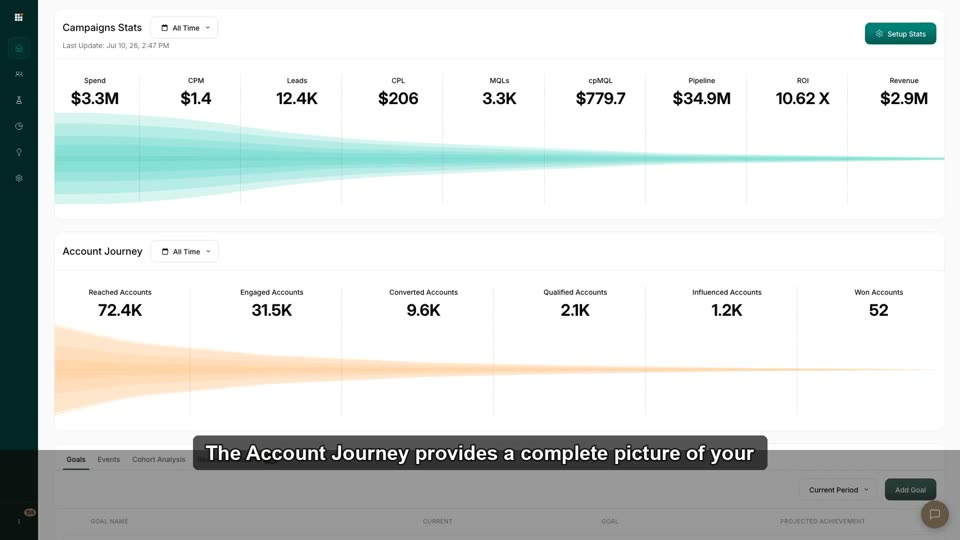
2:31The Account Journey: ABM vs. Traditional Lead Gen
Shift from counting leads to tracking accounts through Reached→Engaged→Converted→Qualified→Influenced→Won.
 3:13
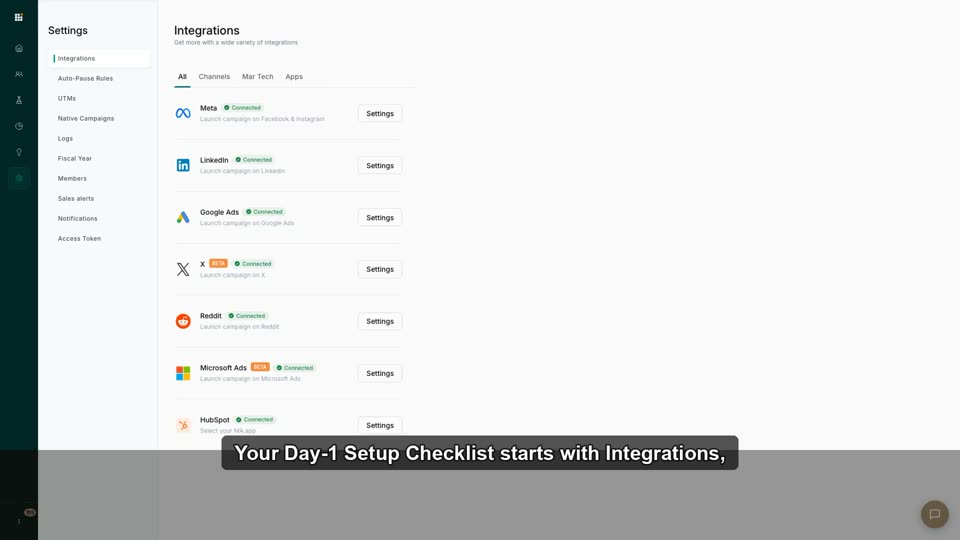
3:13Your Day-1 Setup Checklist
The required-setup roadmap before launching or measuring — removes "what do I do first?" friction.
 2:17
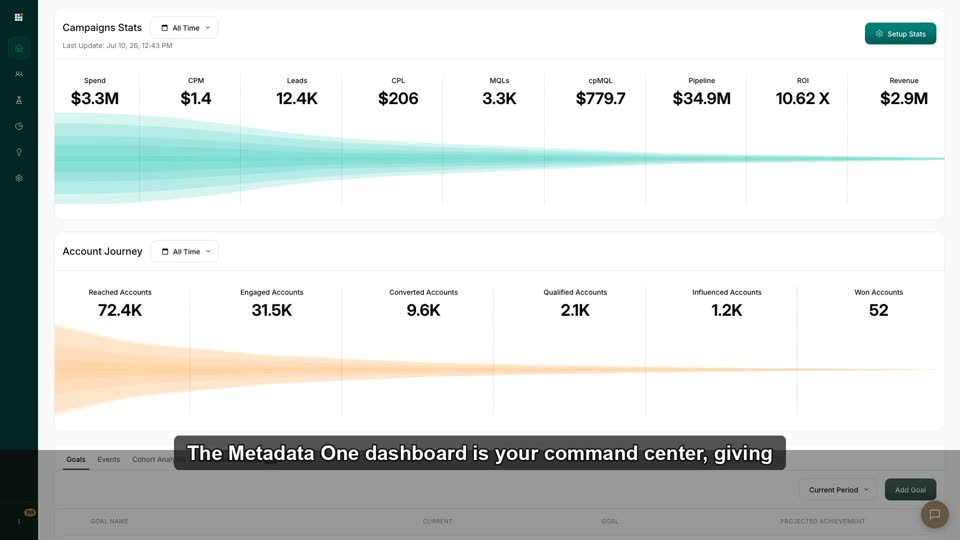
2:17Where to Find Everything in MetadataONE
The navigation model across Audiences, Advertise, Creative, Analyze, Reports, Settings, Spotlight.
 2:36
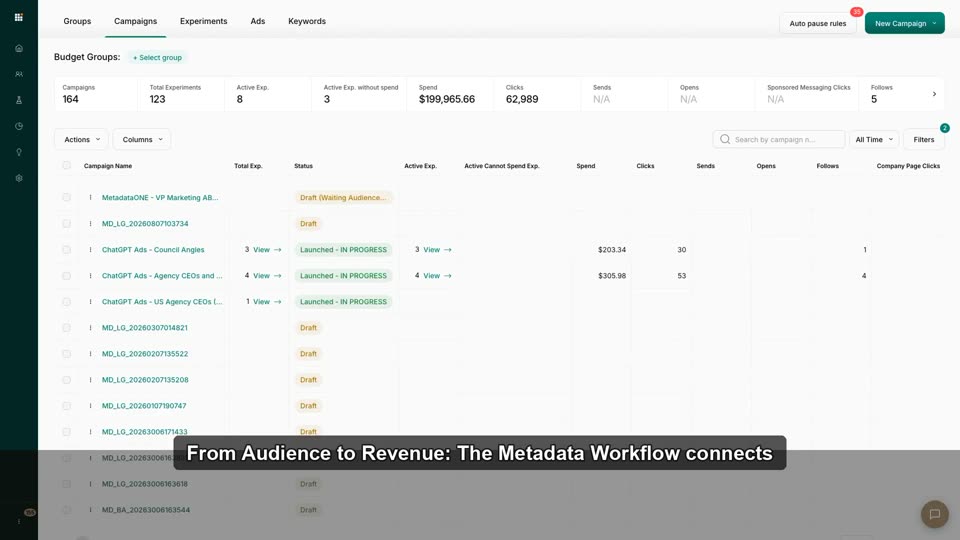
2:36From Audience to Revenue: The Metadata Workflow
The end-to-end motion: target, advertise, capture, measure engagement, attribute revenue.
 3:16
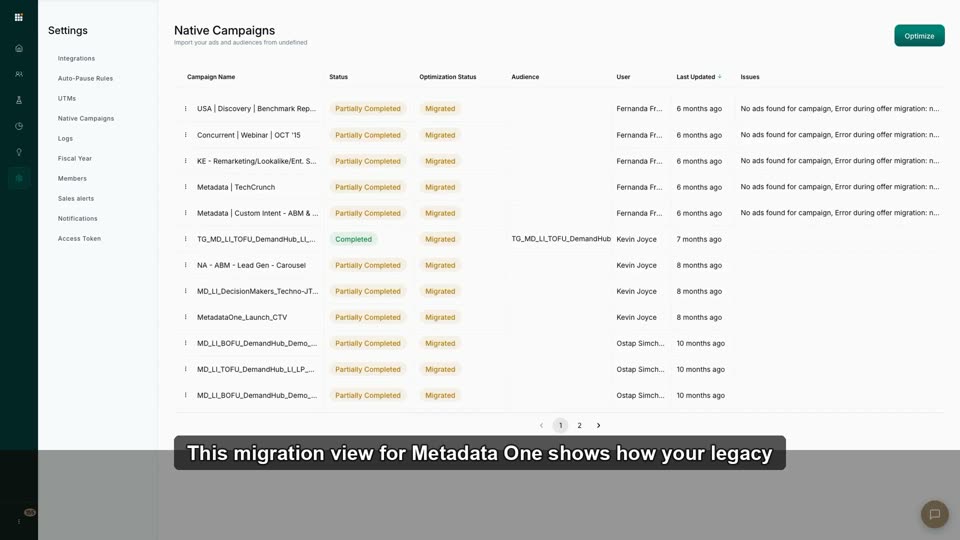
3:16Migrating from Legacy Metadata to MetadataONE: What Changes
Reassure veterans their campaigns/audiences/reports are intact; map old muscle memory to new nav.
 2:42
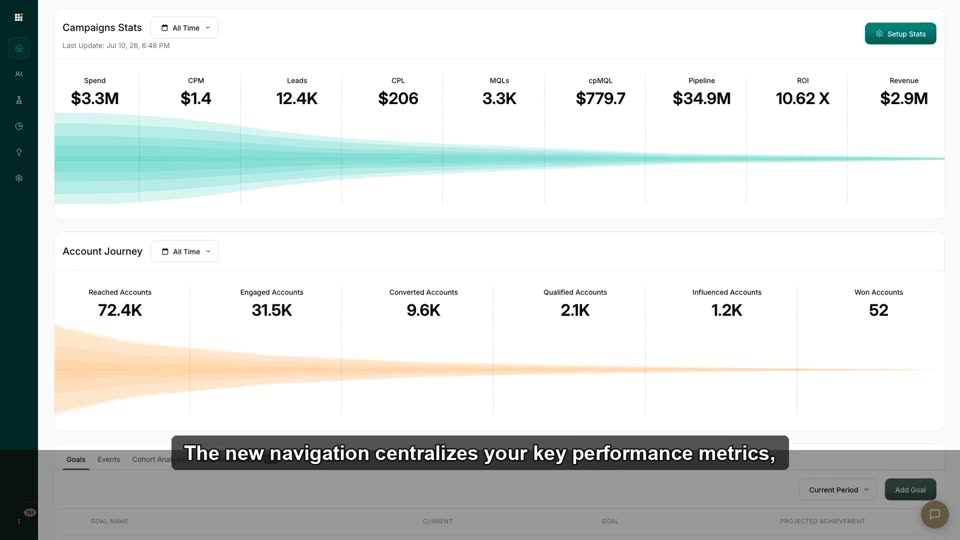
2:42New Nav Cheat Sheet for Power Users
Fast remap of where every legacy screen now lives.
 2:43
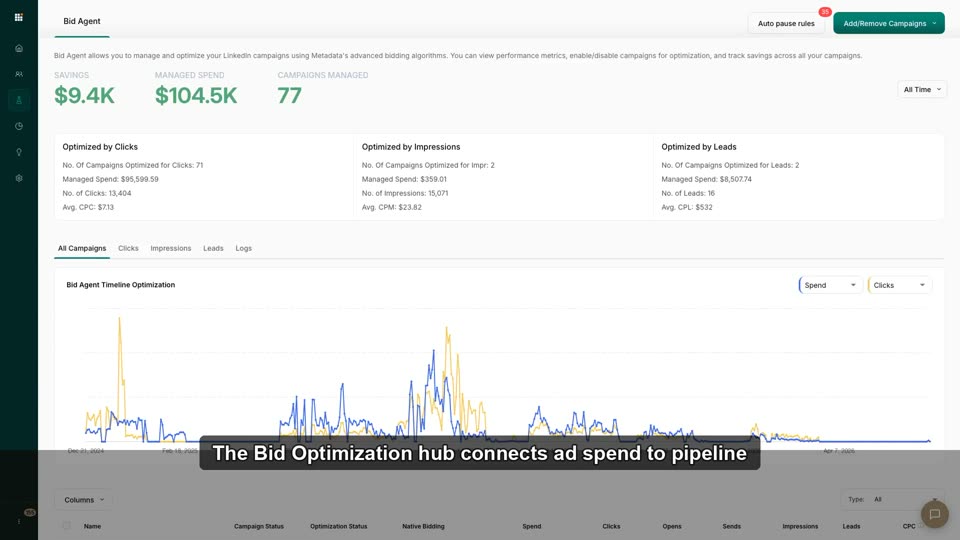
2:43Full-Loop Mastery: Audience → Optimizer → Attribution
Capstone: run the complete closed-loop workflow and read the revenue it produces.
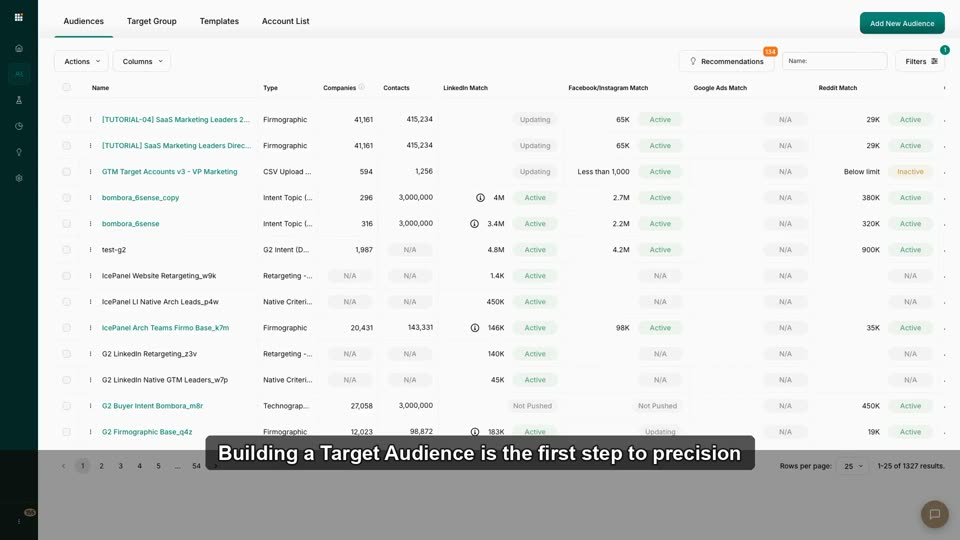 3:06
3:06Build Your First Target Audience
Create a firmographic audience from a template; understand type/visibility/tags at a glance.
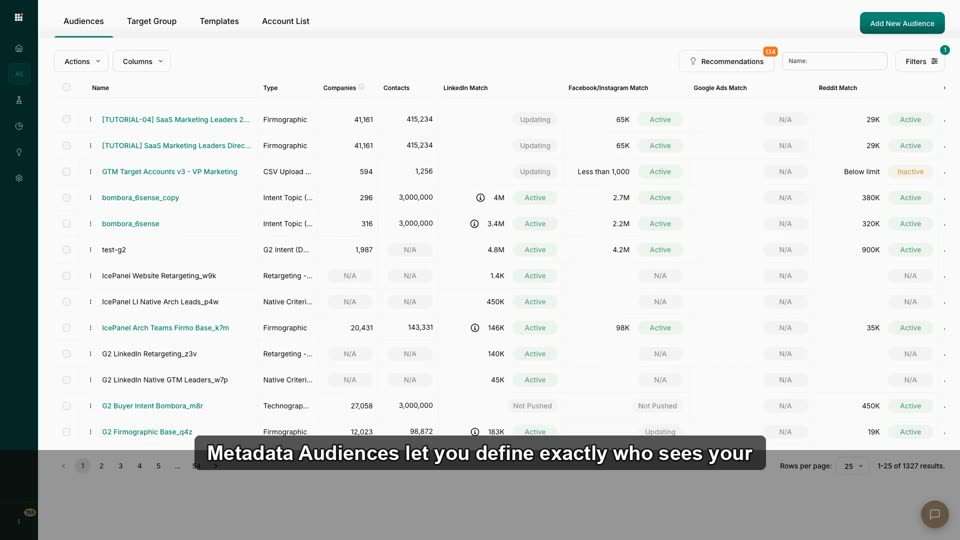 2:40
2:40What Makes a Metadata Audience? (Firmo, Techno, Intent, ABM)
Distinguish the four audience types and when each drives pipeline vs. just clicks.
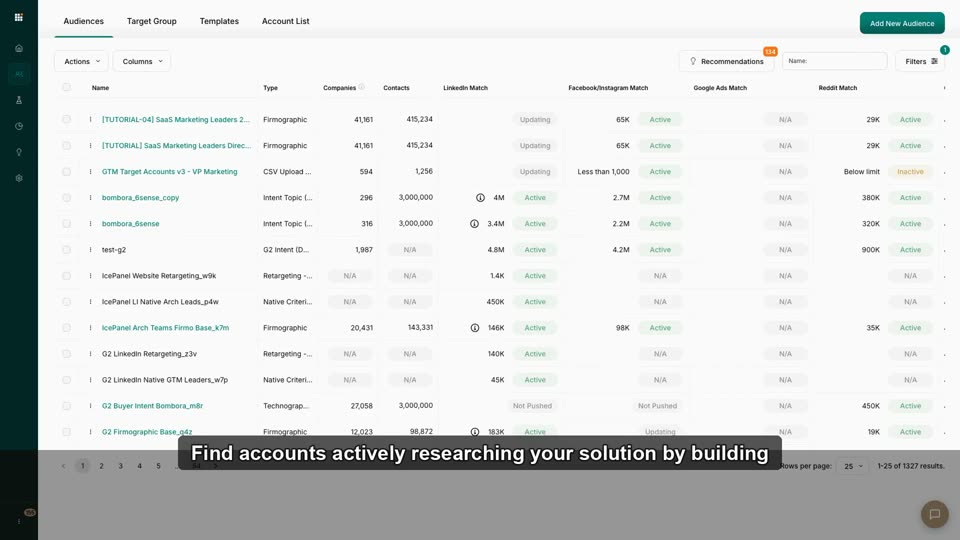 2:53
2:53Intent Data: Building Audiences from Bombora & G2
Understand what intent data is and add intent-surging accounts to an audience.
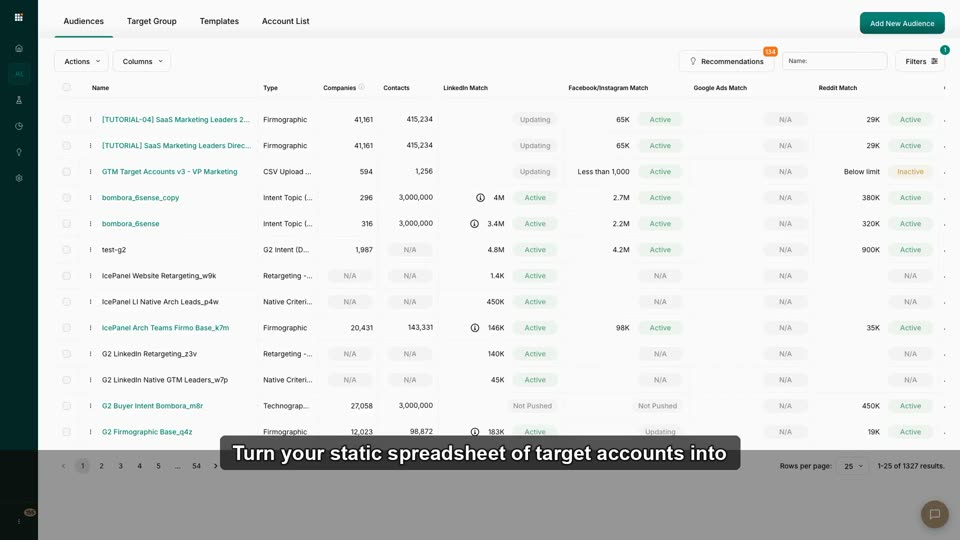 2:45
2:45Upload & Target an ABM Account List
Import a named-account CSV, match to Metadata's account graph, make it targetable across channels.
 2:45
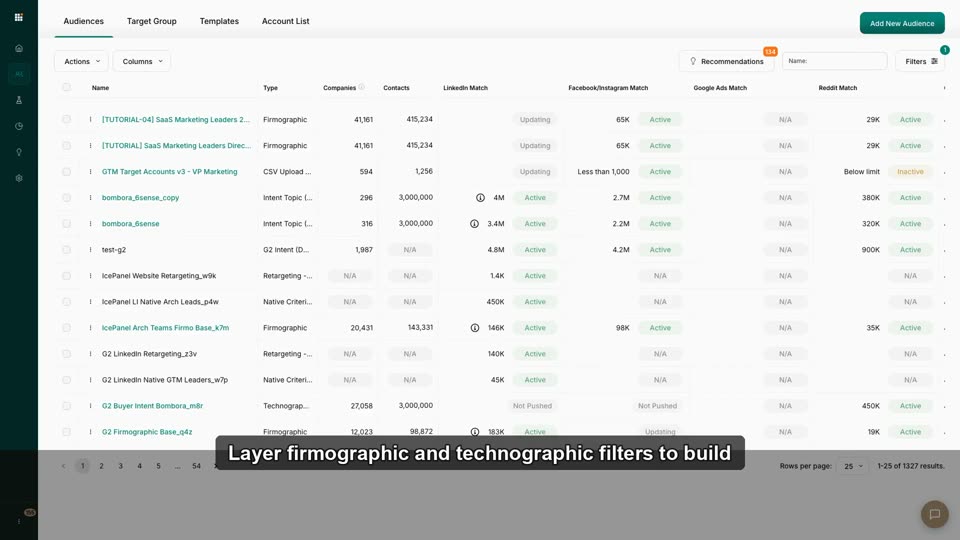
2:45Firmographic + Technographic Filters, Layered Right
Stack industry/size/geo with tech-stack filters without shrinking the audience to zero.
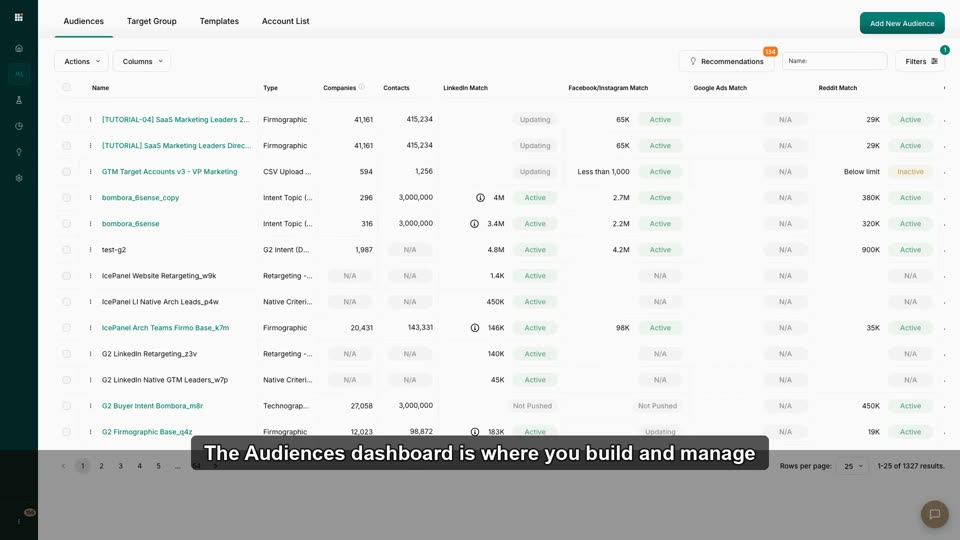 2:41
2:41Create Retargeting Audiences That Convert
Build a retargeting audience from site visitors/engagers and pair it with a mid-funnel offer.
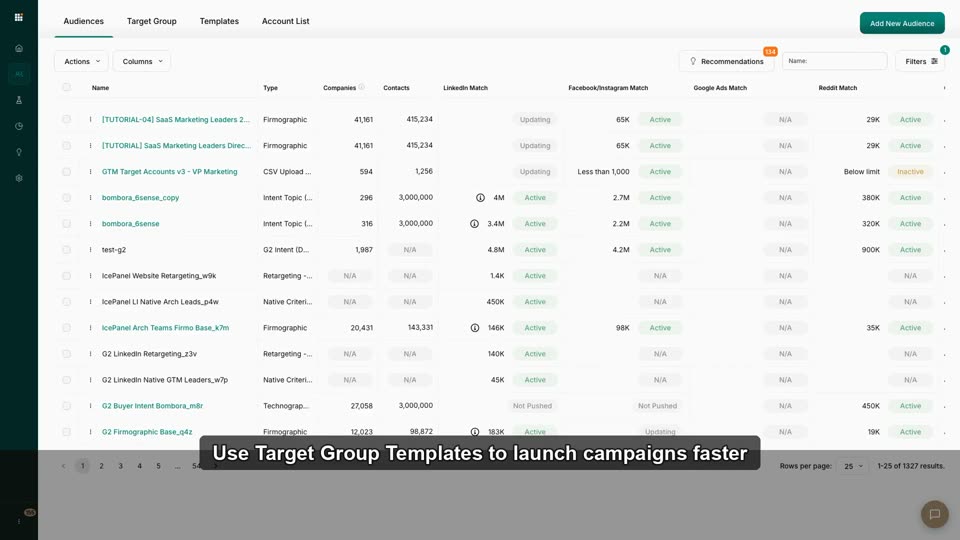 3:05
3:05Use Target Group Templates
Launch faster from a proven blueprint instead of a blank canvas.
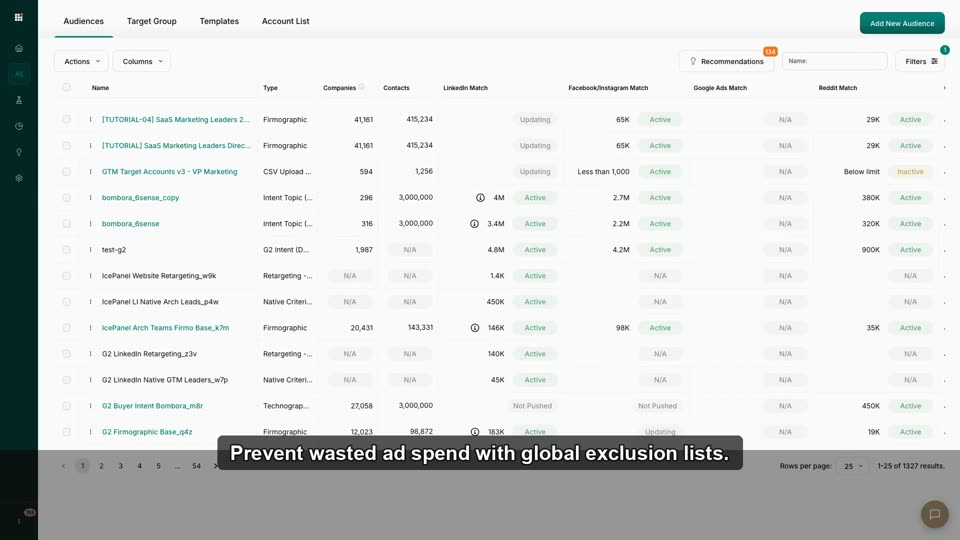 2:22
2:22Exclude Competitors & Existing Customers
Prevent wasted spend by applying global exclusion lists to all campaigns.
 2:47
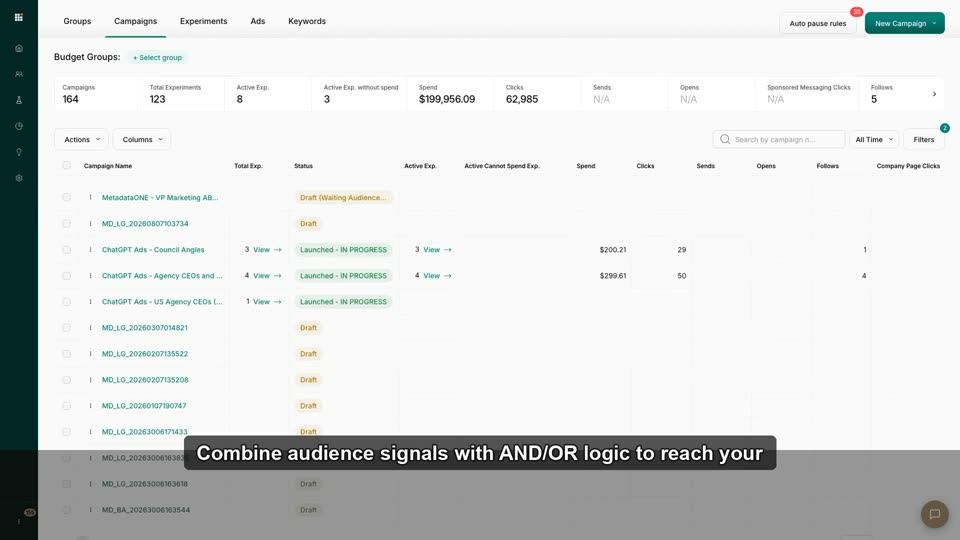
2:47Combine Audiences with AND/OR Logic
Intersect Intent + ICP (e.g., "(Cloud intent + 500+ emp) OR recent funding") for precision.
 2:07
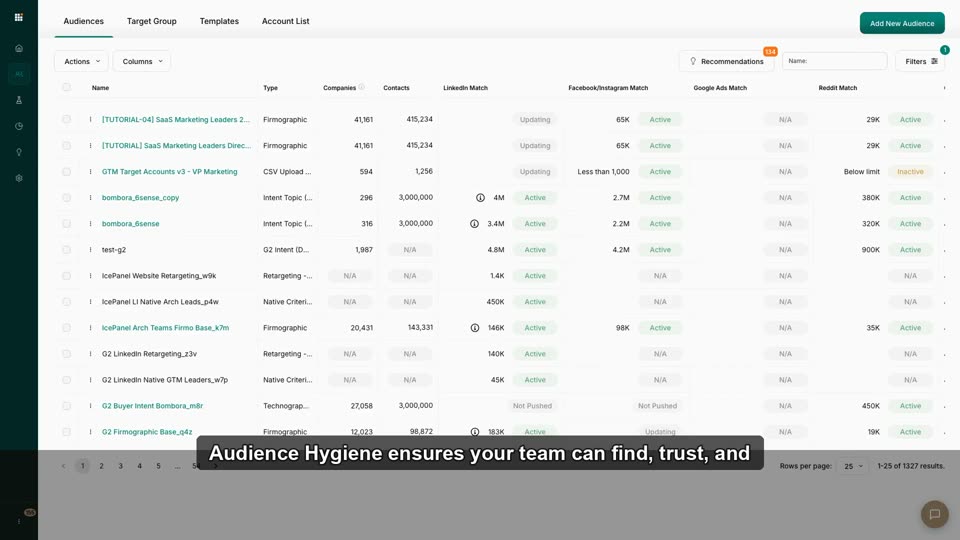
2:07Audience Hygiene: Tags, Visibility & Filters at Scale
Organize a large audience library so the team finds and reuses what works.
 2:11
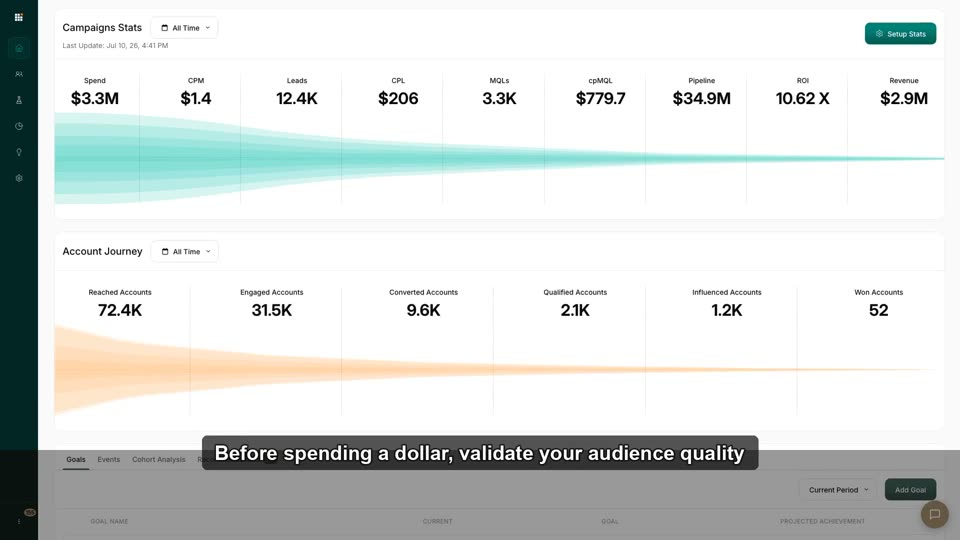
2:11Validate Audience Quality Before Launch
Check size, fit, source, intent, and exclusions before spending a dollar.
 2:15
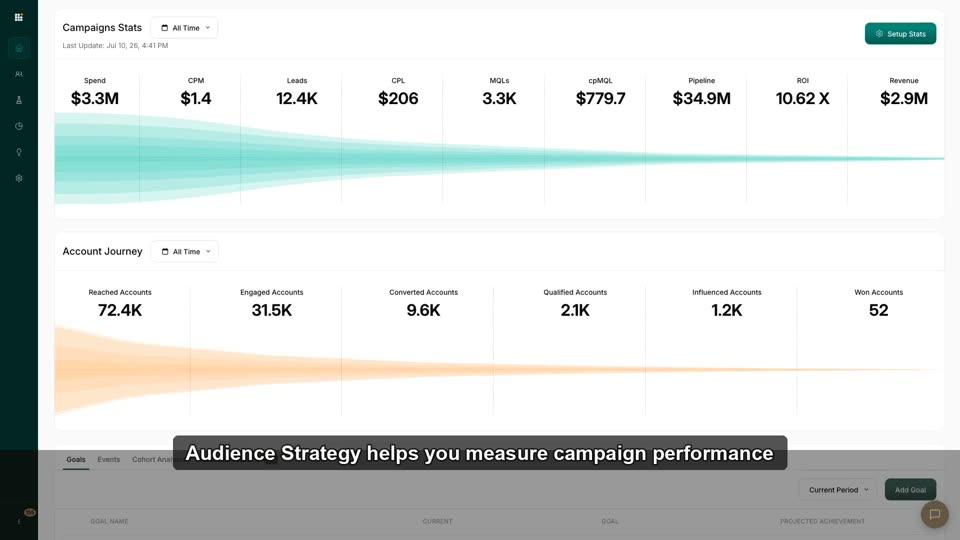
2:15Audience Strategy: Match the Audience to the Funnel Stage
Map audience types (intent=top, retargeting=mid, ABM=always-on) to journey stages.
 1:00
1:00Audiences
This video demonstrates the different types of audiences that can be created within the Metadata.io platform.
 3:43
3:43Audience Firmographic
This video demonstrates how to build a new audience in Metadata.io using firmographic and contact-level criteria like location, job title, a
 1:52
1:52Technographic
This video demonstrates how to build a target audience in Metadata.io using technographic data to find companies that use specific software
 1:38
1:38Target Group
This video demonstrates how to create a Target Group in Metadata.io by combining multiple existing audiences and layering additional criteria
 1:20
1:20Dynamic Lists
This video demonstrates how to create a dynamic audience in Metadata.io by importing a smart list from a connected marketing automation plat
 0:48
0:48Contact List
This video demonstrates how to upload a CSV contact list to create a target audience for Account-Based Marketing (ABM) campaigns within the
 0:46
0:46LinkedIn Retargeting
This video demonstrates how to import an existing, pre-built audience from a native LinkedIn Ads account into the Metadata.io platform for u
 0:45
0:45Marketing Automation
This video demonstrates how to use contact lists from a marketing automation platform to create a targeted audience for paid search campaign
 0:36
0:36Intent Topics (Bombora)
This video demonstrates how to create a new audience in Metadata.io using Bombora intent data by selecting a specific intent topic.
 0:27
0:27Native Criteria
This video demonstrates how to build an audience in Metadata.io using the native targeting criteria available within a specific ad platform,
 1:04
1:04Manual vs Dynamic Audience
This video demonstrates the difference between manual (static) and dynamic audiences in Metadata.io, showing how dynamic audiences automatic
 0:48
0:48Third-Party Data
This video explains why Metadata.io's third-party data audiences cannot be used for targeting within Google Ads campaigns.
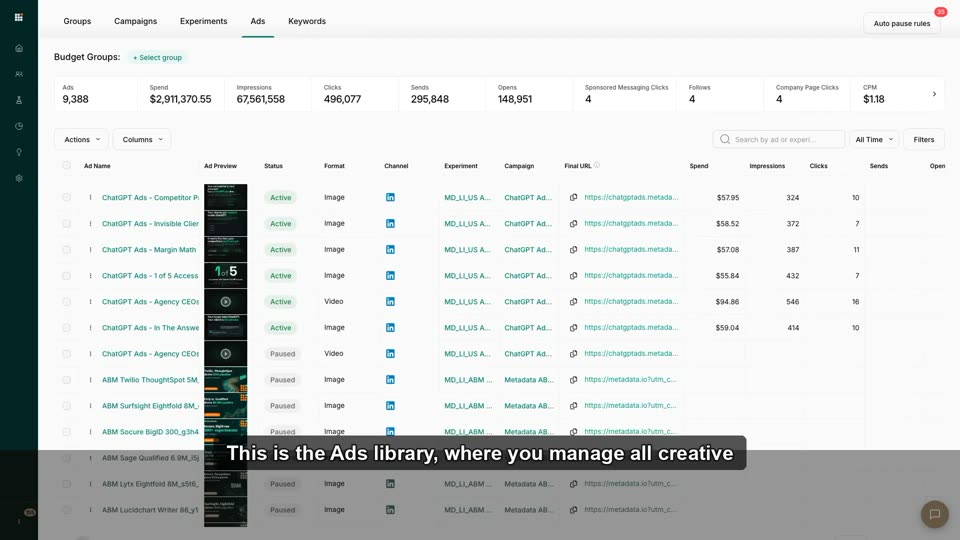
 2:08
2:08Upload & Organize Ad Creatives
Upload one image + one video, tag them, confirm they're ready for campaign ad creation.
 2:26
2:26Adding Ads & Creatives to a Campaign
Attach existing creatives or build new ads inside a campaign without breaking the launch flow.
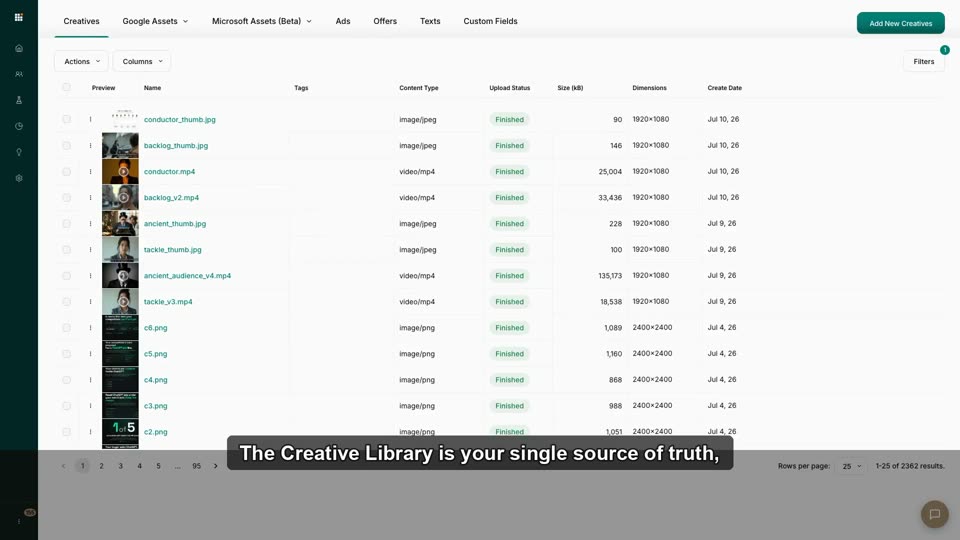 2:16
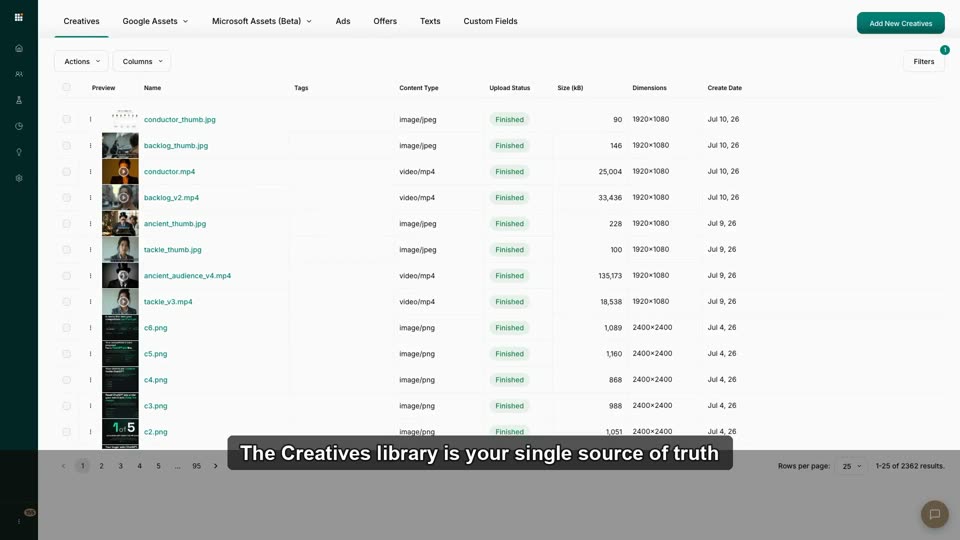
2:16Creative Library Tour: One Home for Every Asset
Upload, tag, and reuse images/video/channel assets across campaigns.
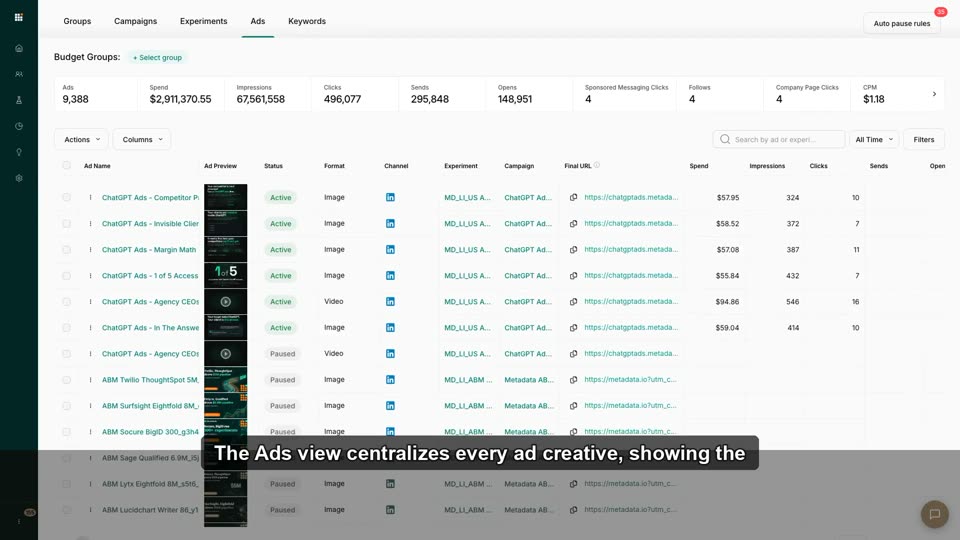 2:06
2:06Building Ads Per Channel (LinkedIn, Meta, Google, MS, Reddit)
Know each channel's format/spec/copy fields so ads pass review the first time.
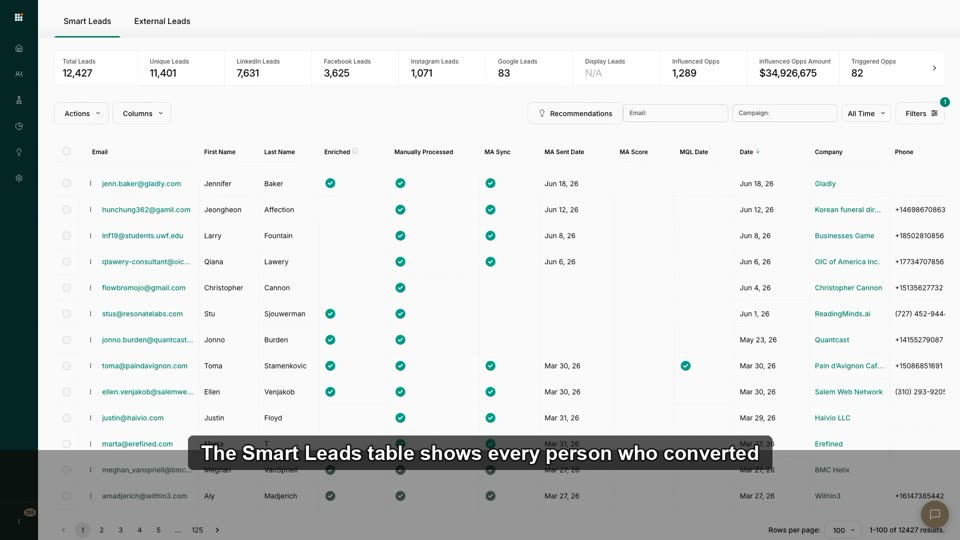 3:08
3:08Offers & Lead-Gen Forms: Where Leads Come From
Connect offer→form→Smart Lead chain; understand when native forms beat landing pages.
 3:00
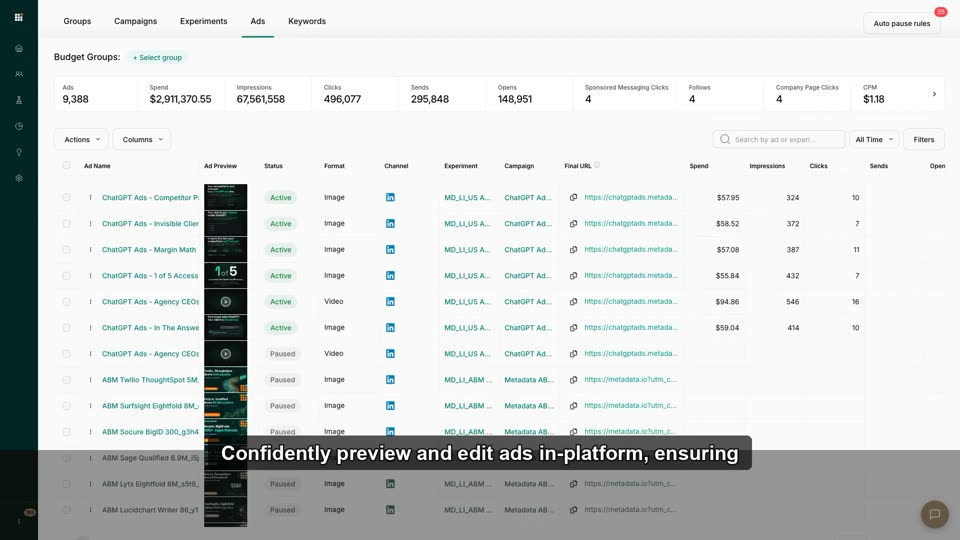
3:00Preview & Edit Ads In-Platform
Verify native LinkedIn/Meta appearance before spending budget.
 2:37
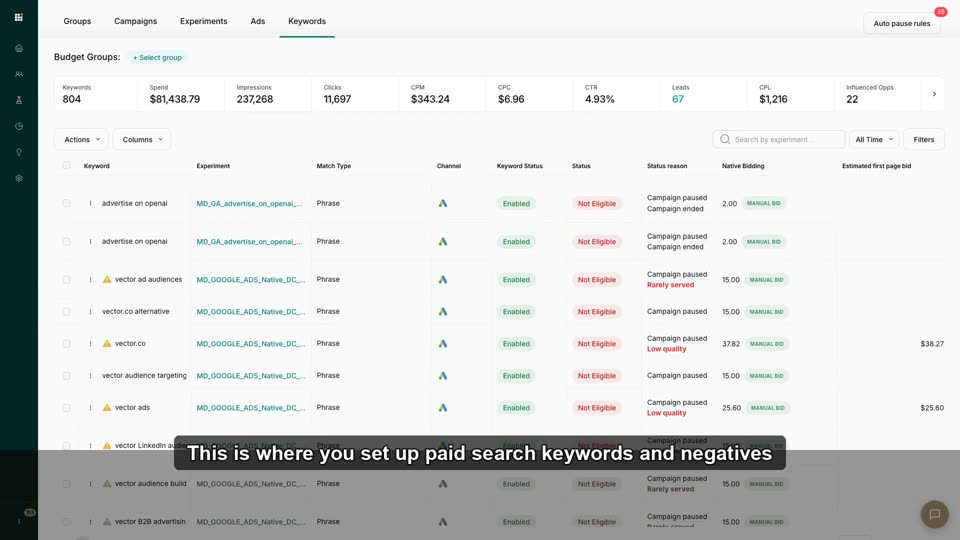
2:37Set Up Paid Search Keywords & Negatives
Add positive + negative keyword sets for Google/Microsoft search campaigns.
 2:34
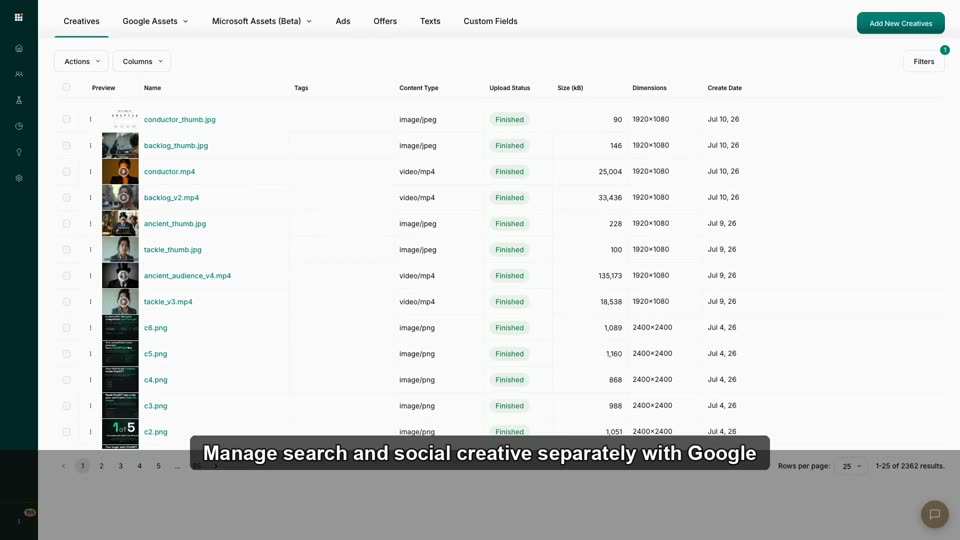
2:34Google & Microsoft Asset Libraries
Manage search-specific headlines/descriptions/extensions separately from social creative.
 2:33
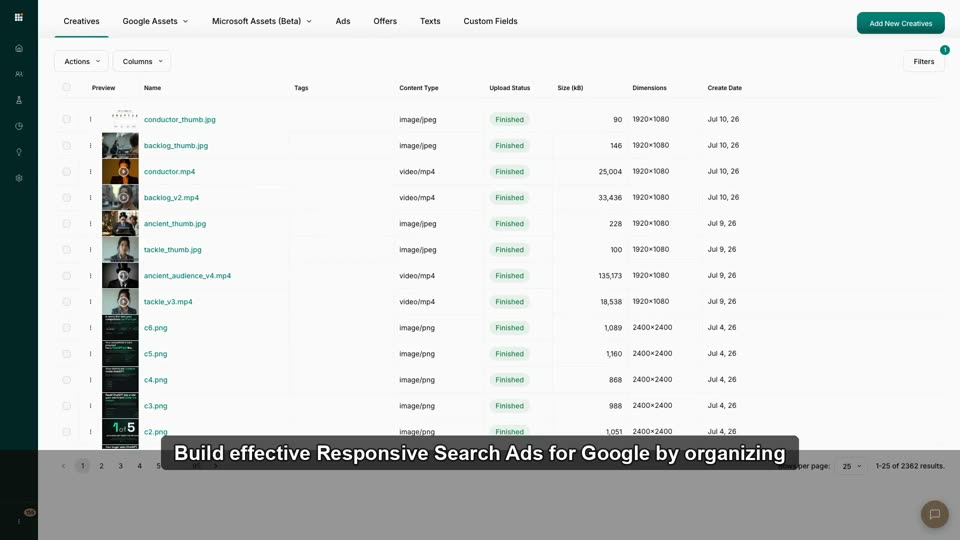
2:33Responsive Search Ads (RSAs) for Google
Set up headline/description variations for automated Google Search ads.
 2:13
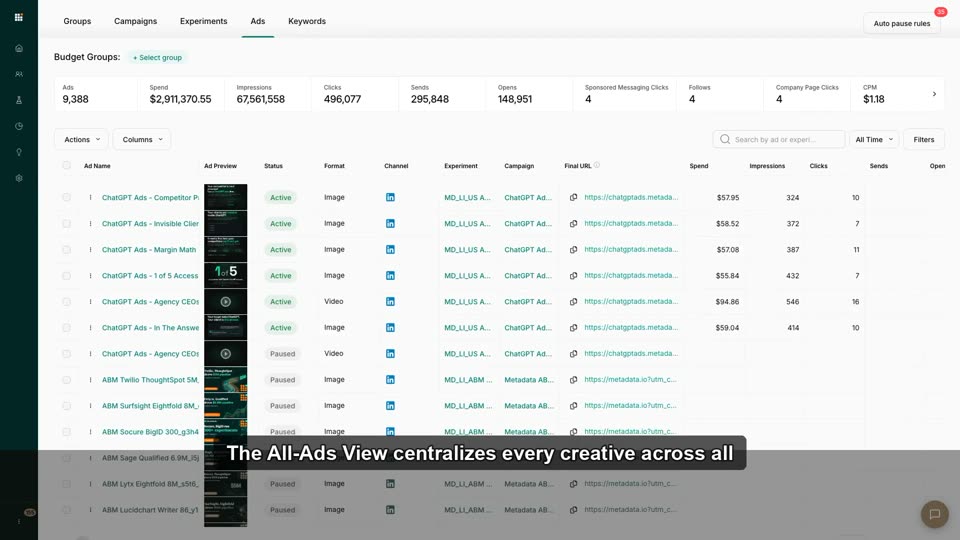
2:13Managing Ads at Scale: The All-Ads View
Filter, compare, and bulk-manage creatives across every campaign from one screen.
 2:14
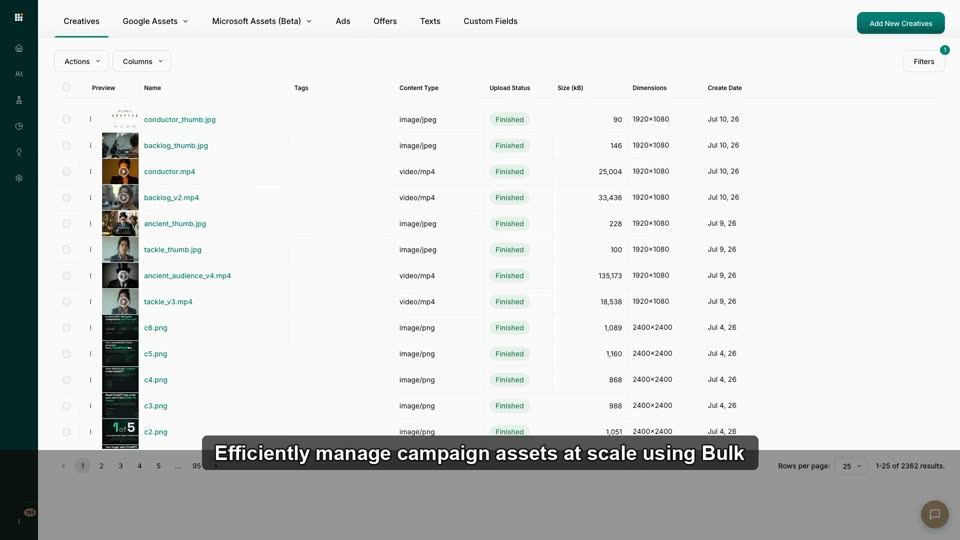
2:14Bulk Creative Uploads
Upload dozens of assets simultaneously and map them to campaigns in bulk.
 2:12
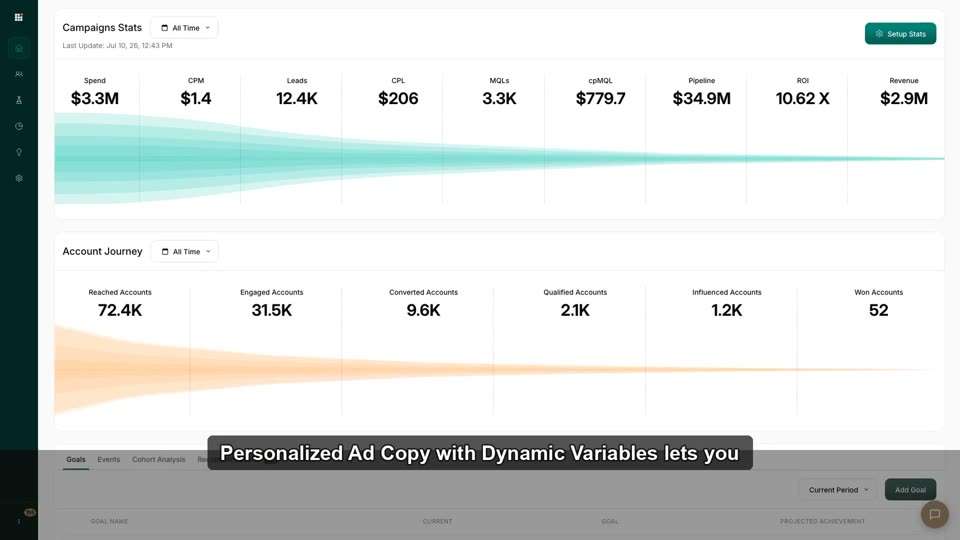
2:12Personalized Ad Copy with Dynamic Variables
Use macros (company name, etc.) to personalize ad copy per account automatically.
 2:38
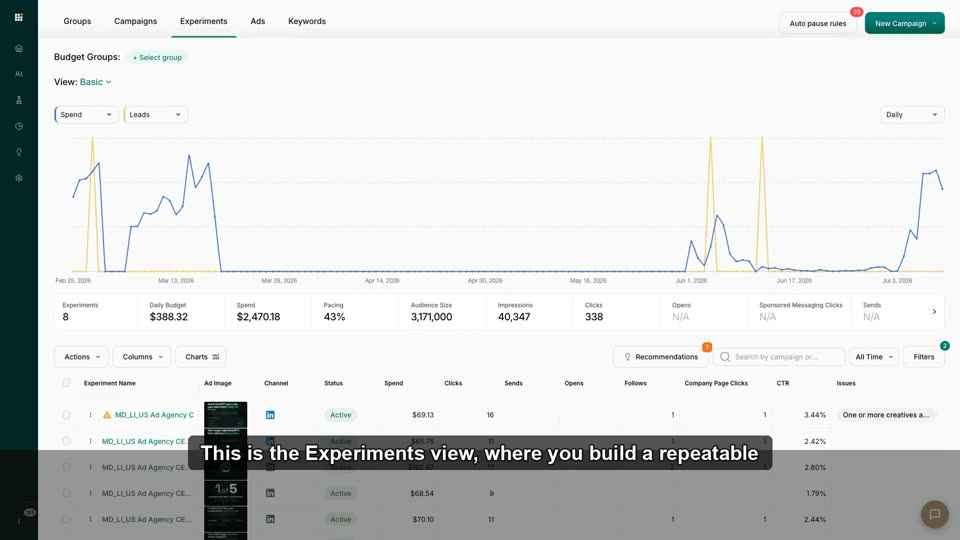
2:38A Creative Testing Workflow That Compounds
A repeatable test→learn→retire creative cadence.
 2:44
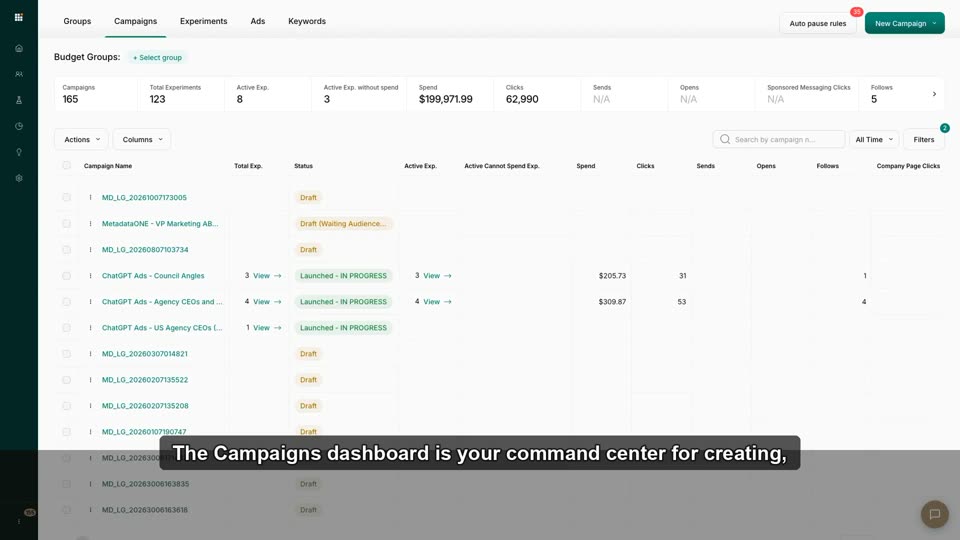
2:44Launch Your First Campaign
Go Draft→Launched: pick audience, channel, budget group, creatives — and know what "Launched" actually triggers.
 2:47
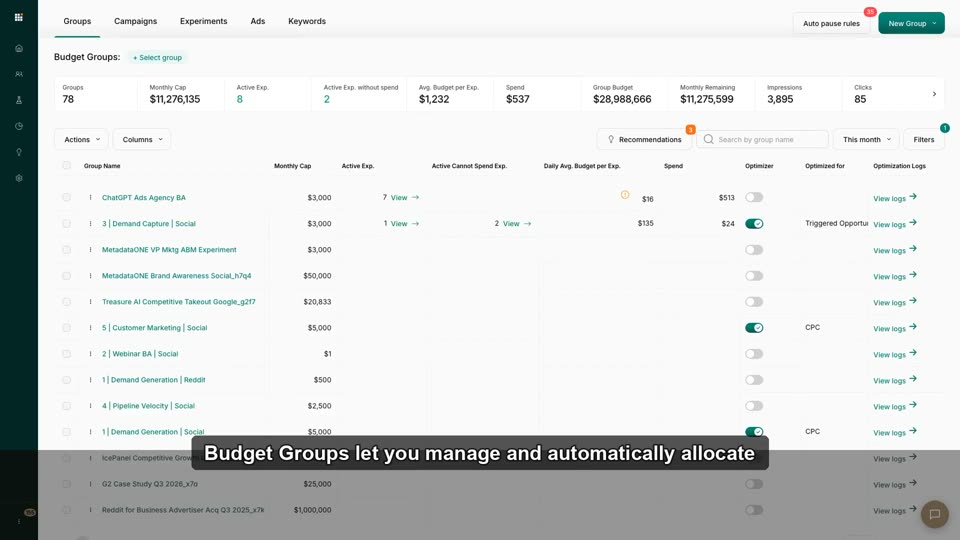
2:47Budget Groups: How Metadata Spends Your Money
Understand budget lives at the group level and how spend reallocates across campaigns inside it.
 2:14
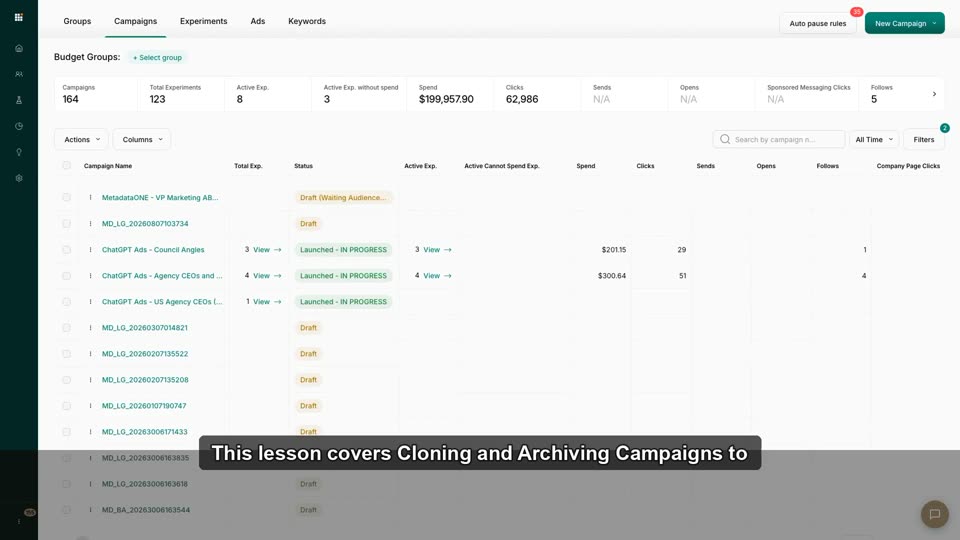
2:14Cloning & Archiving Campaigns
Duplicate winning setups and archive completed campaigns.
 2:22
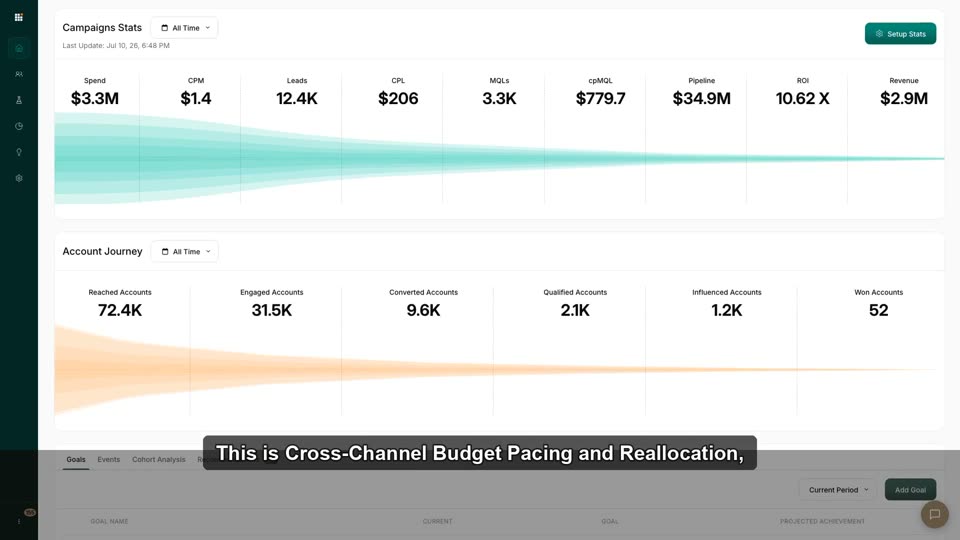
2:22Cross-Channel Budget Pacing & Reallocation
Ensure monthly budget spreads evenly; shift spend mid-flight from high-CPM to high-converting channels.
 1:53
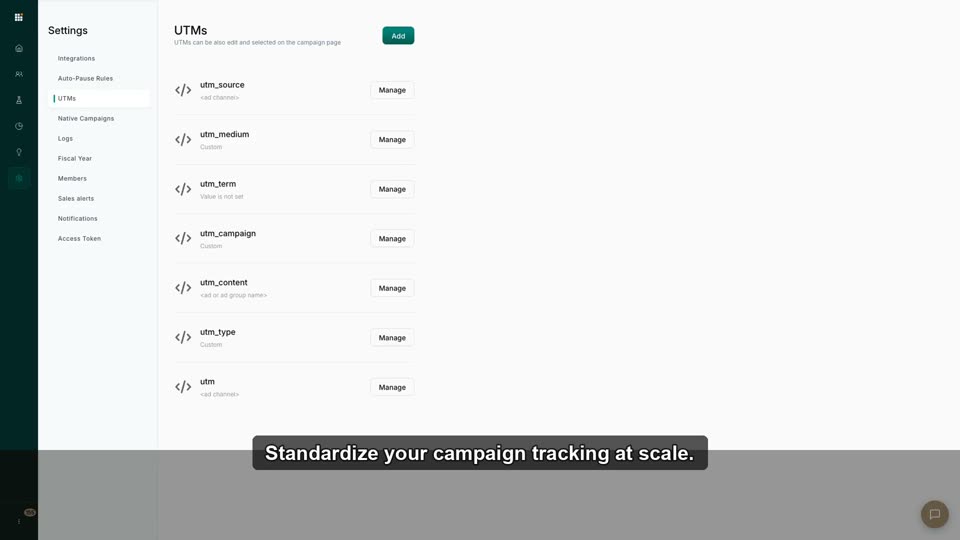
1:53UTM Advanced: Complex Multi-Layered Campaigns
Build custom UTM parameters for complex, multi-layered campaigns.
 2:46
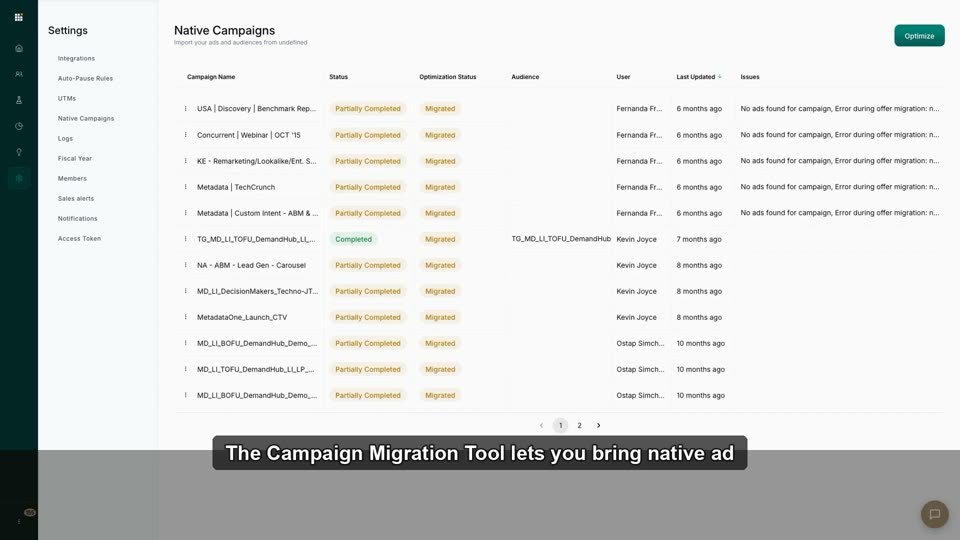
2:46Using the Campaign Migration Tool
Port legacy or native-ad-manager campaigns into Metadata's optimizer without losing history.
 2:08
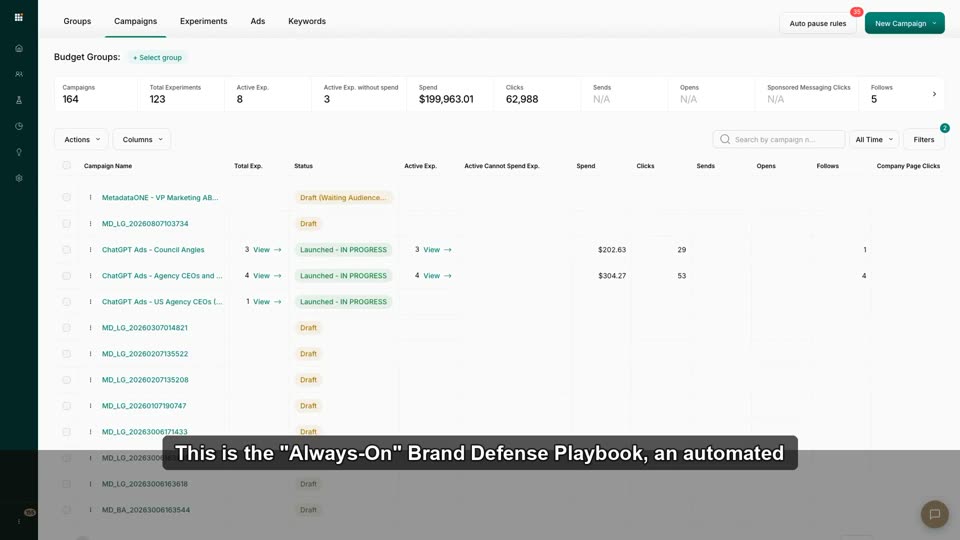
2:08"Always-On" Brand Defense Playbook
Build an automated low-bid campaign protecting brand keywords without manual oversight.
 2:54
2:54Create a Campaign
This video demonstrates how to create a single, multi-channel lead generation campaign within the Metadata.io platform.
 1:38
1:38Brand Awareness vs Lead Generation
This video demonstrates how Metadata.io structures and differentiates between Brand Awareness and Lead Generation campaigns, starting from t
 2:45
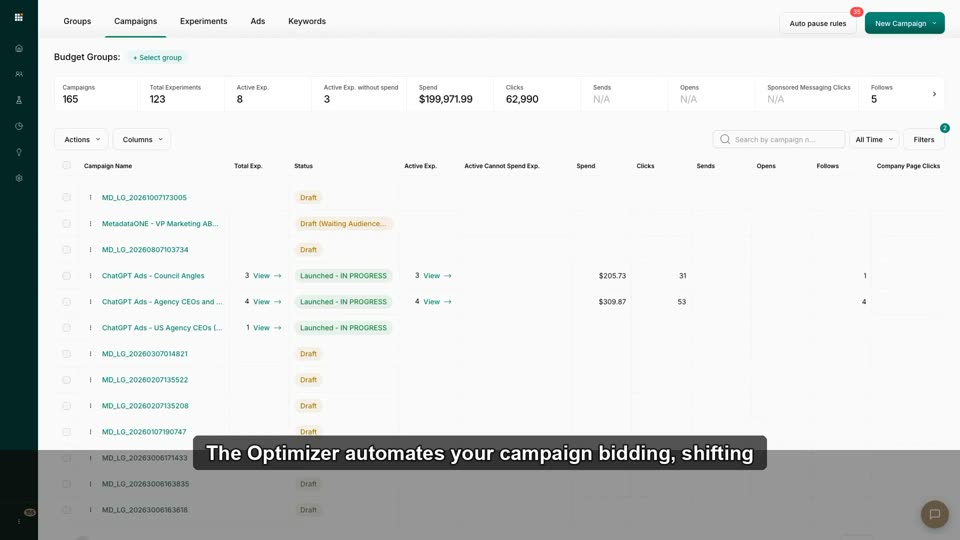
2:45What the Optimizer Actually Does
Trust the machine: how automated bidding shifts spend to winners and what "optimizer decisions" mean.
 2:28
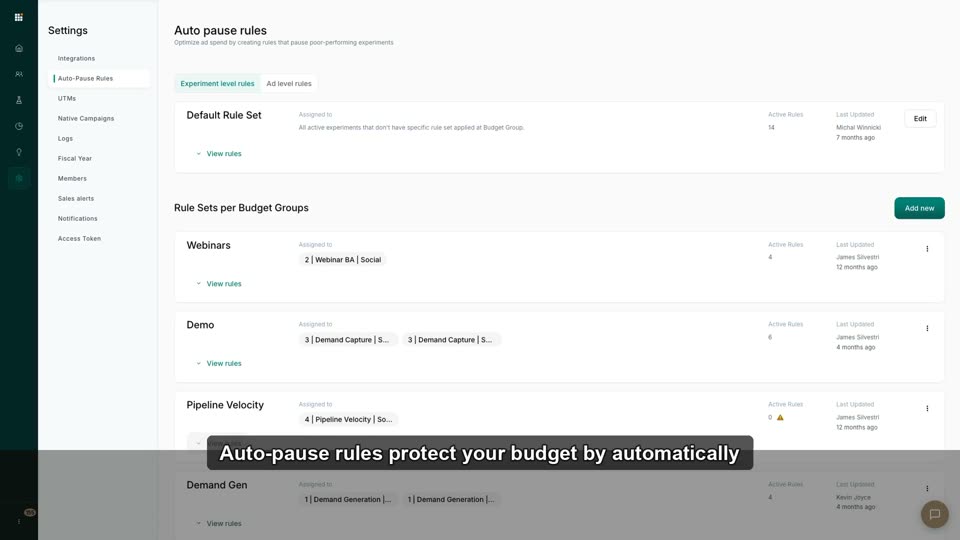
2:28Auto-Pause Rules: Kill Underperformers Automatically
Set thresholds (CPL, spend, CTR) that pause bad ads while you sleep.
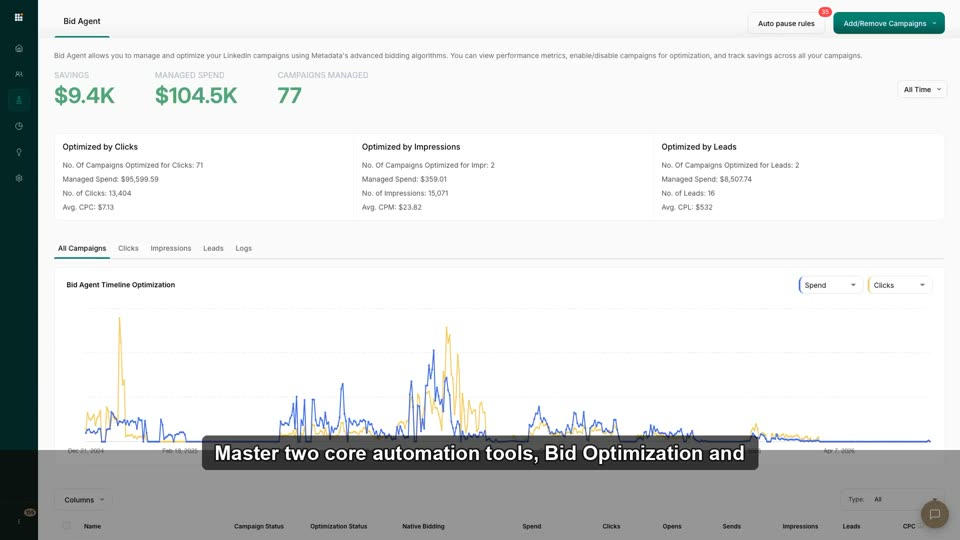 2:33
2:33Auto-Pause vs. Bid Optimization: What's the Difference?
Understand which automation changes bids and which stops poor performers.
 2:06
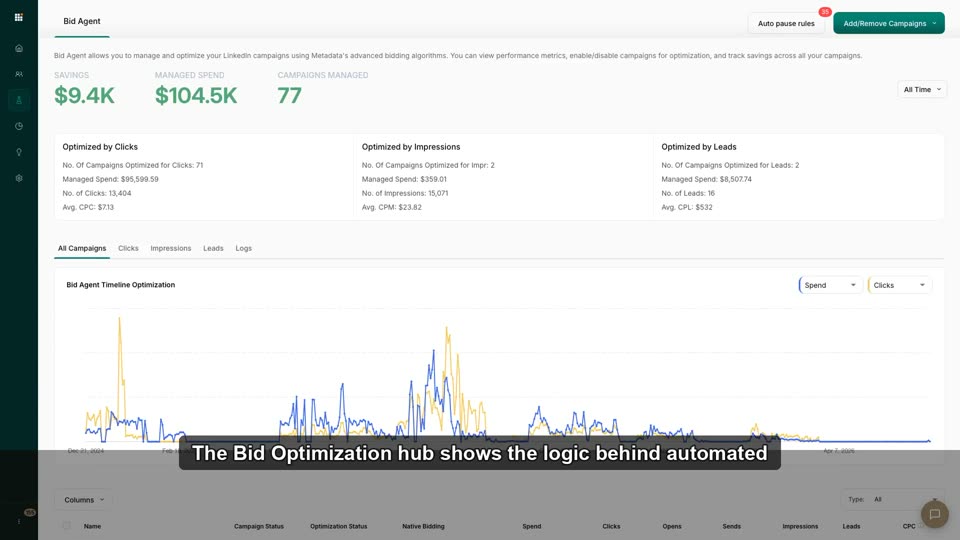
2:06Reading Optimizer Decisions & Logs
Audit *why* the optimizer paused, boosted, or reallocated — and explain it to your boss.
 2:18
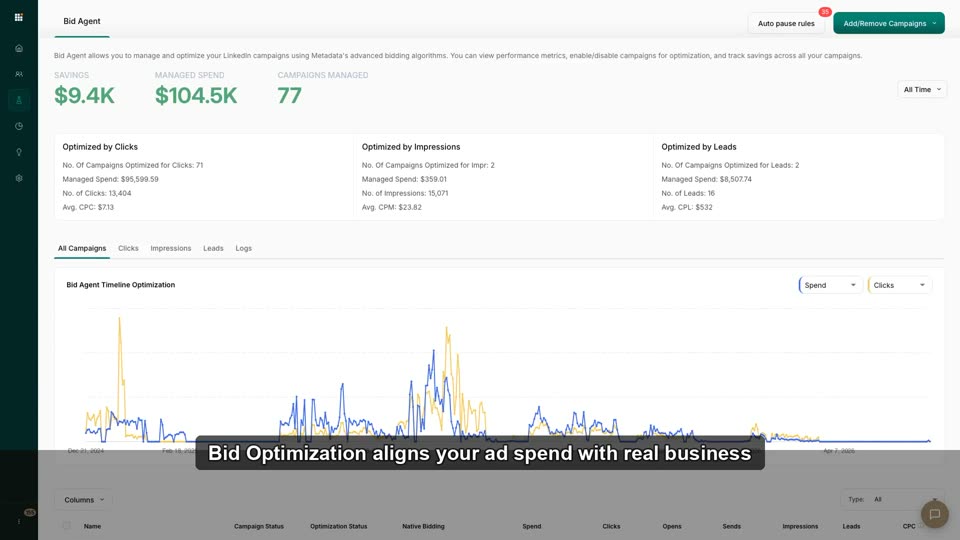
2:18Tweak Bid Optimization Goals
Switch the optimizer's north-star from raw clicks to MQLs or Pipeline.
 2:29
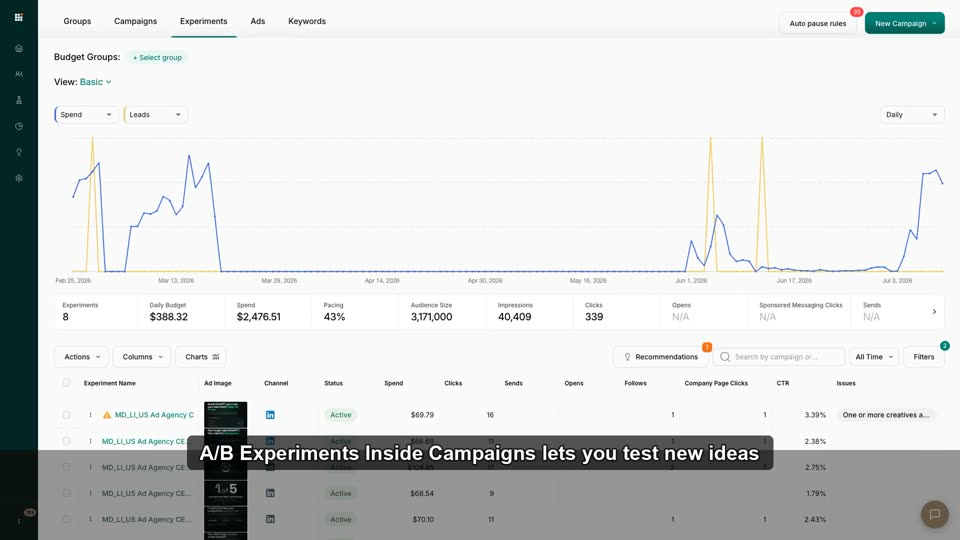
2:29A/B Experiments Inside Campaigns
Launch a controlled experiment and read results without polluting baseline campaigns.
 2:36
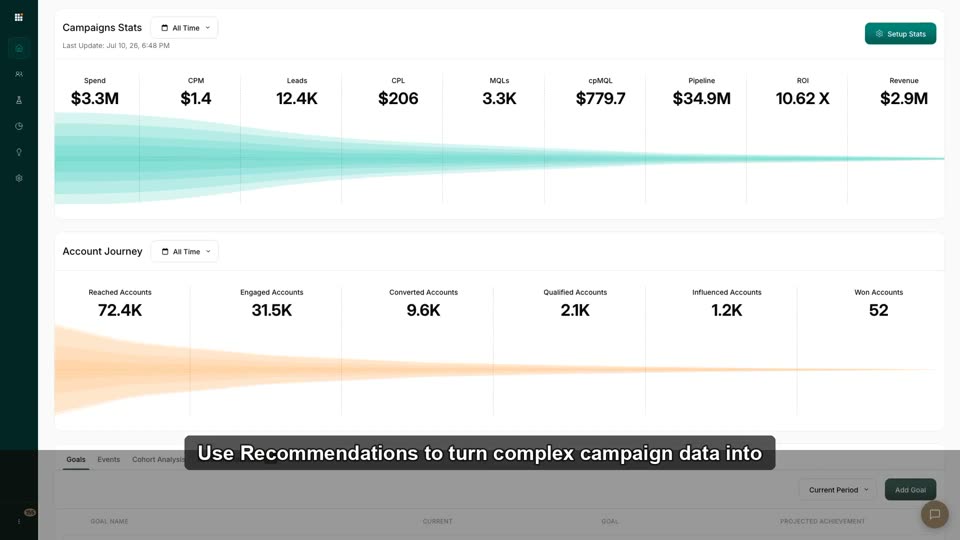
2:36Use Recommendations to Improve Performance
Review and one-click apply automated suggestions for budget/audience optimization.
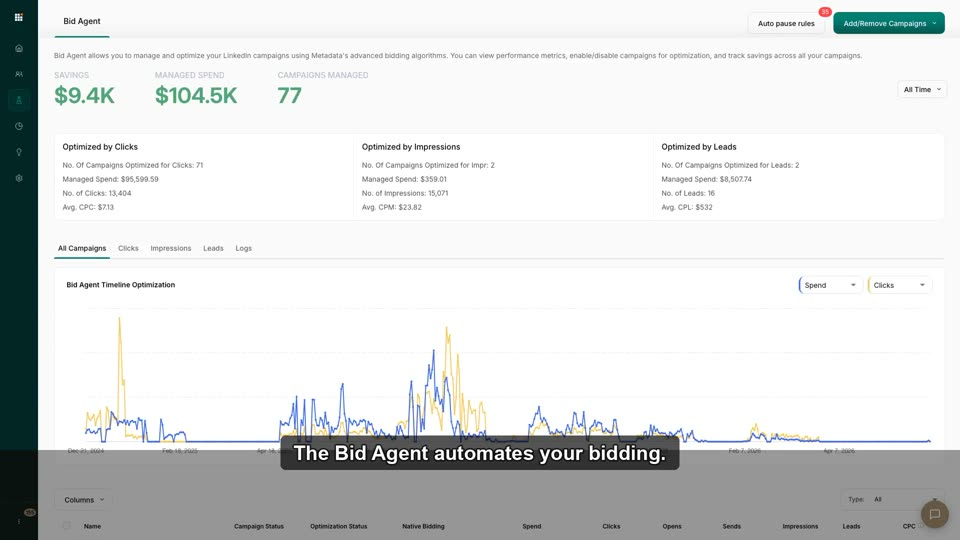 1:47
1:47When to Override the Machine (and When Not To)
Judgment framework: which optimizer decisions to trust, which to override, and how to tell.
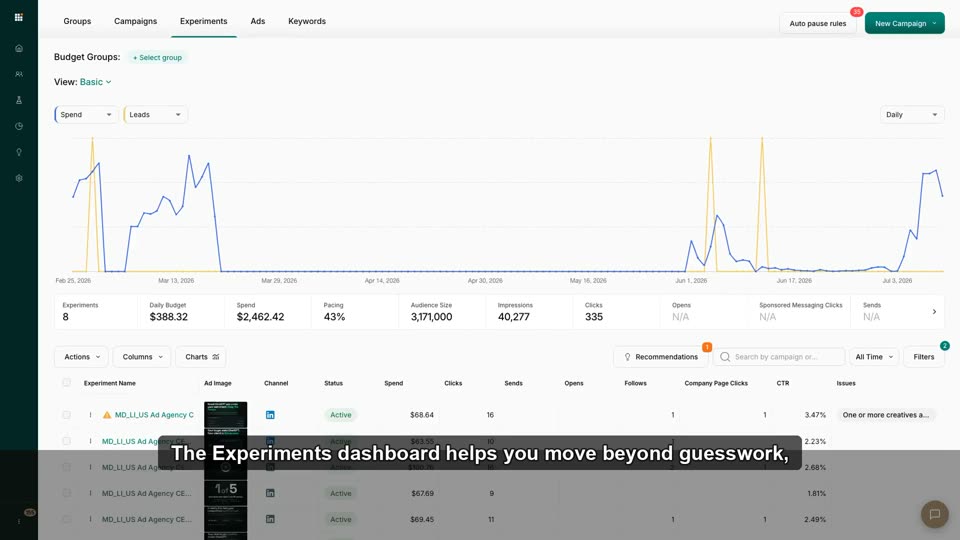 2:32
2:32Experiment Results & Statistical Significance
Choose a winning variant using the built-in significance calculator.
 1:33
1:33Experiments & Campaigns Performance
This video demonstrates how to build a multi-channel, multi-variant advertising campaign in Metadata.io and then review its performance in t
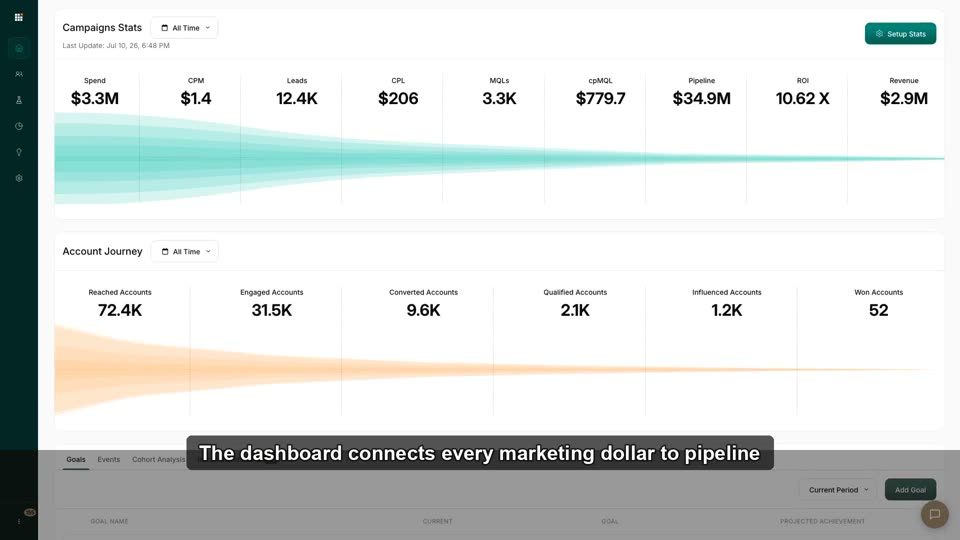 2:43
2:43Reading Your Dashboard Without Getting Lost
Interpret Spend→ROI and Reached→Won in 60s; know which tab (Goals/Events/Cohort/Recommendations) to open when.
 2:08
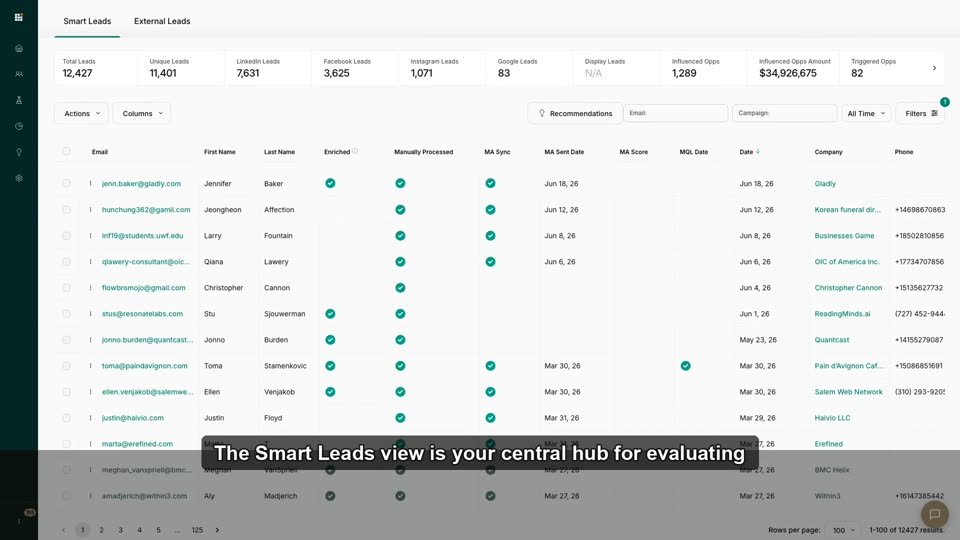
2:08Your First Leads: The Smart Leads View
Find captured leads, read quality scores + match types, filter by campaign/offer/ad.
 2:03
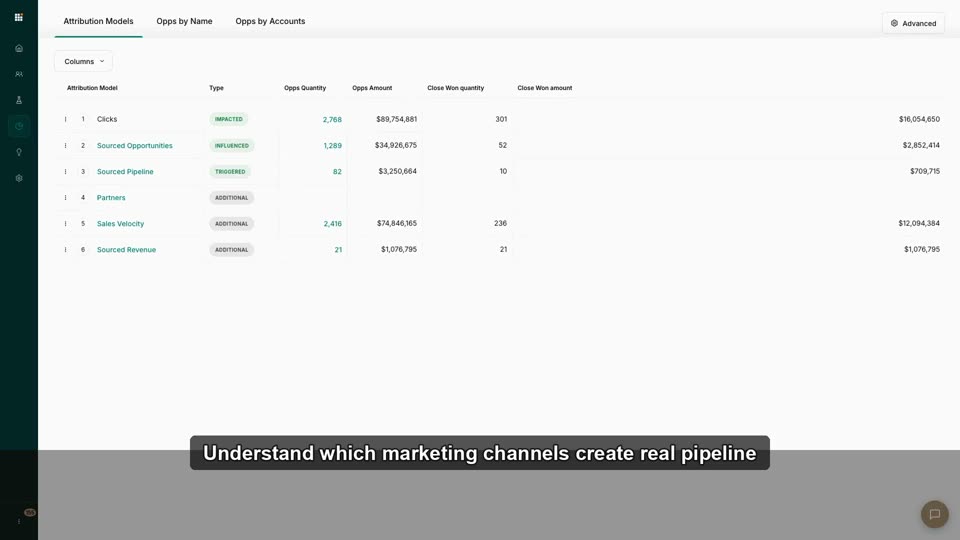
2:03Multi-Touch Attribution, Explained in 90 Seconds
Understand first-touch vs. last-touch vs. multi-touch vs. W-shaped, and why the "right" number changes per model.
 2:27
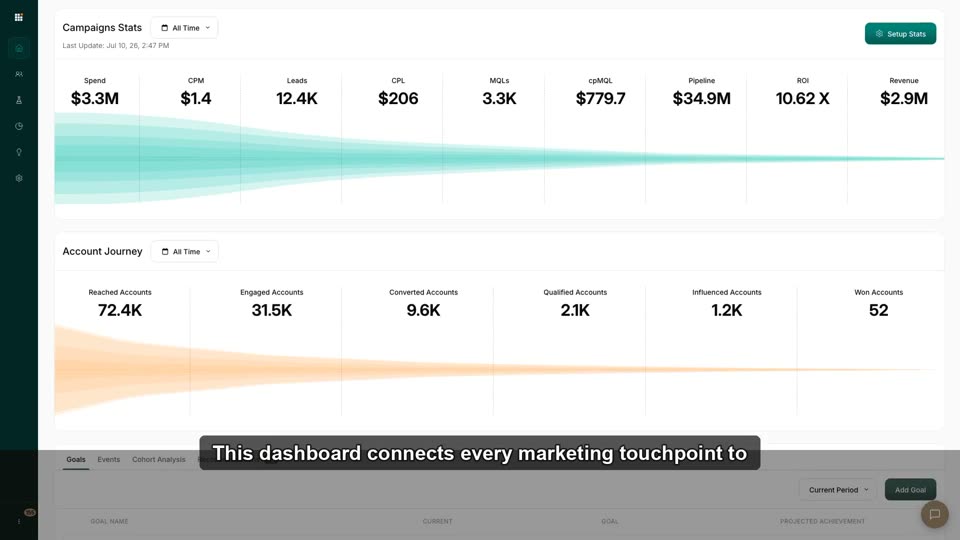
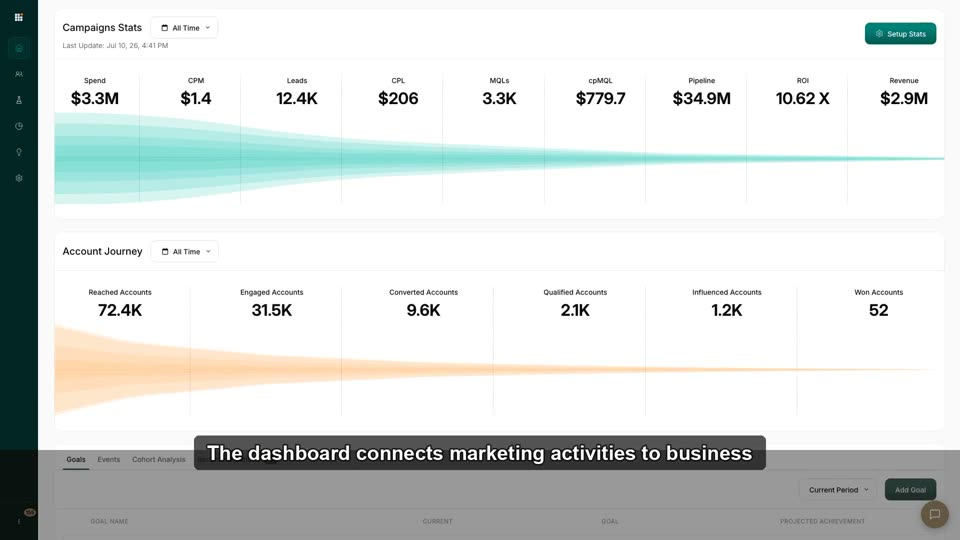
2:27How Metadata Measures Pipeline & Revenue
How campaign, account, CRM, and website activity connect to pipeline, revenue, and ROI.
 2:32
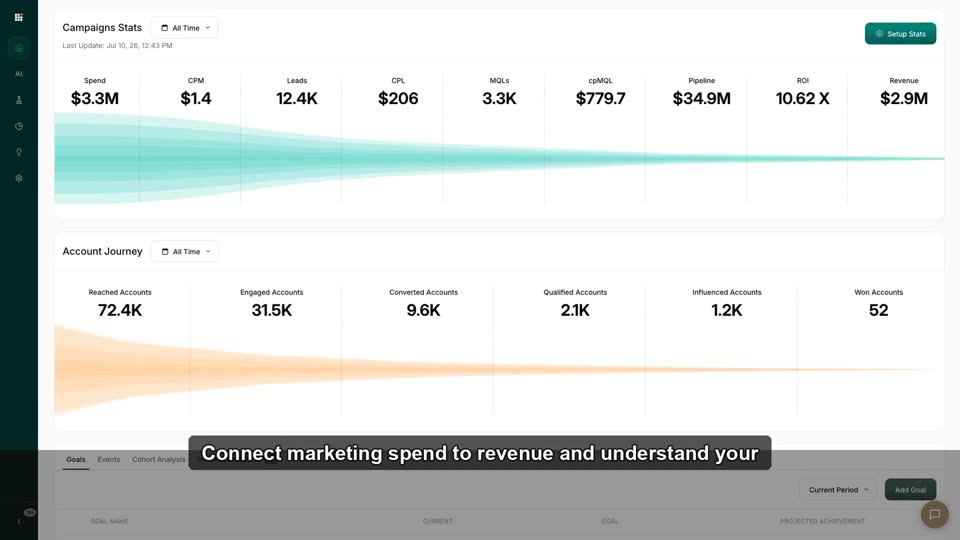
2:32CPL, cpMQL & Pipeline: The Metrics That Matter
Define Cost-per-Lead, cost-per-MQL, and how they ladder up to pipeline.
 3:06
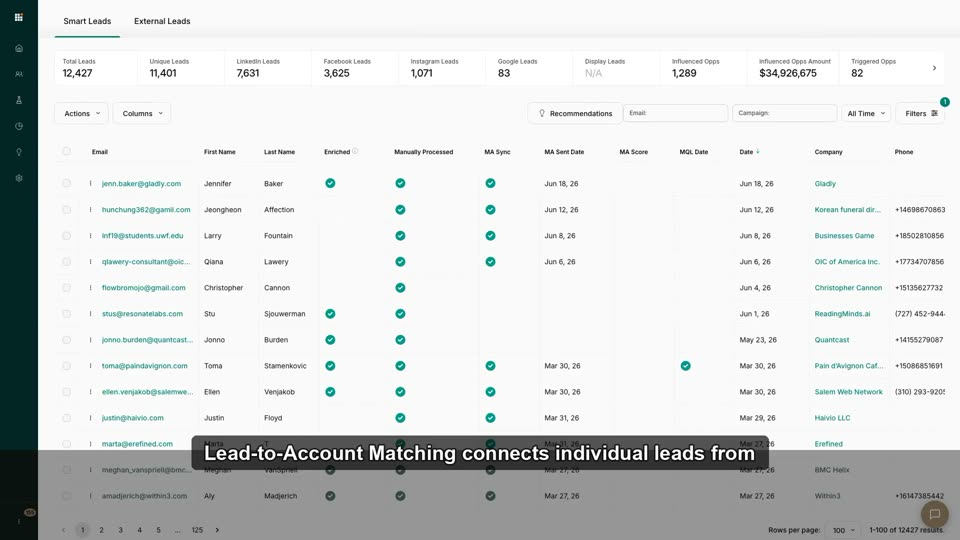
3:06Lead-to-Account Matching Explained
How Metadata maps a lead (person) to a target account via domain + email.
 2:06
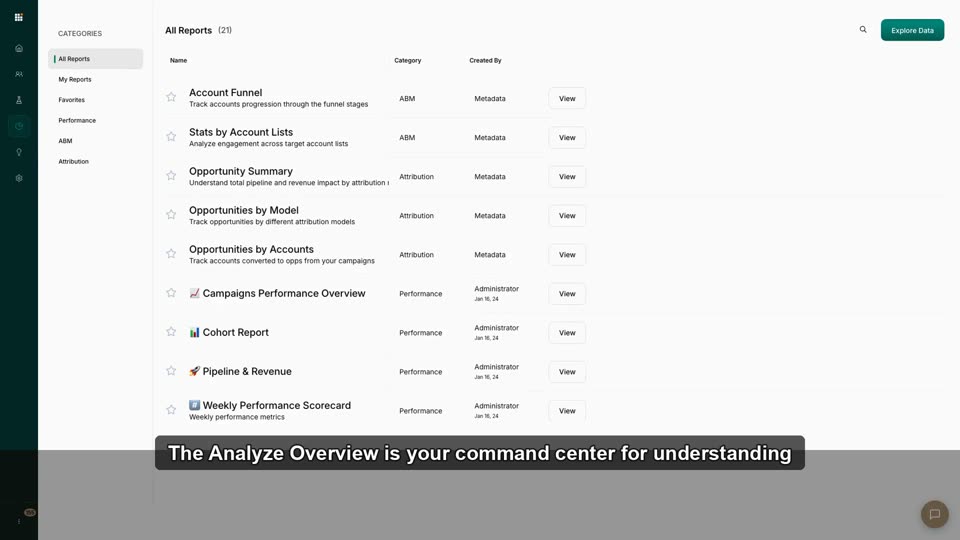
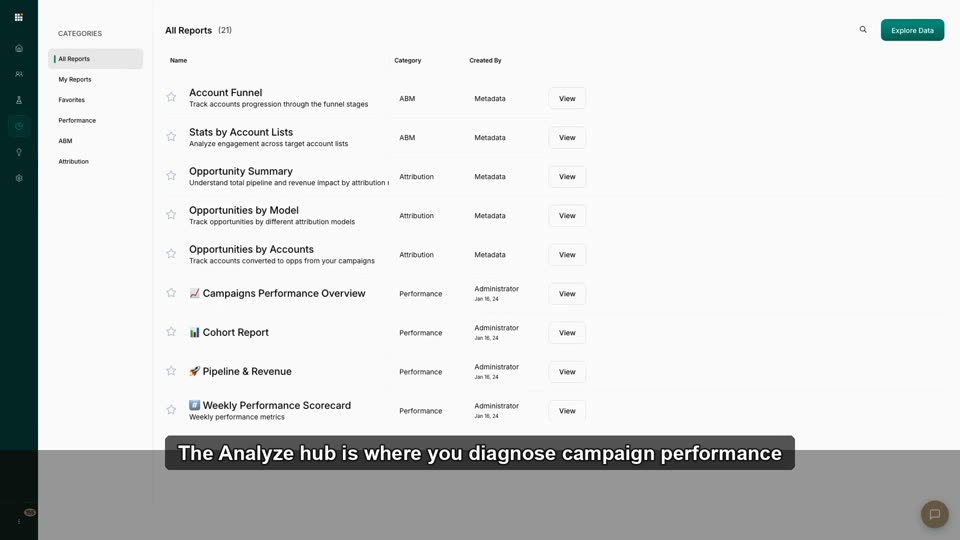
2:06The Reports Library: Which Report Answers Which Question
Build the mental map "I need X → I open report Y" for the entire library.
 2:08
2:08Analyze Overview: Your Performance Command Center
Use Analyze as the launchpad for deeper campaign + account performance review.
 2:40
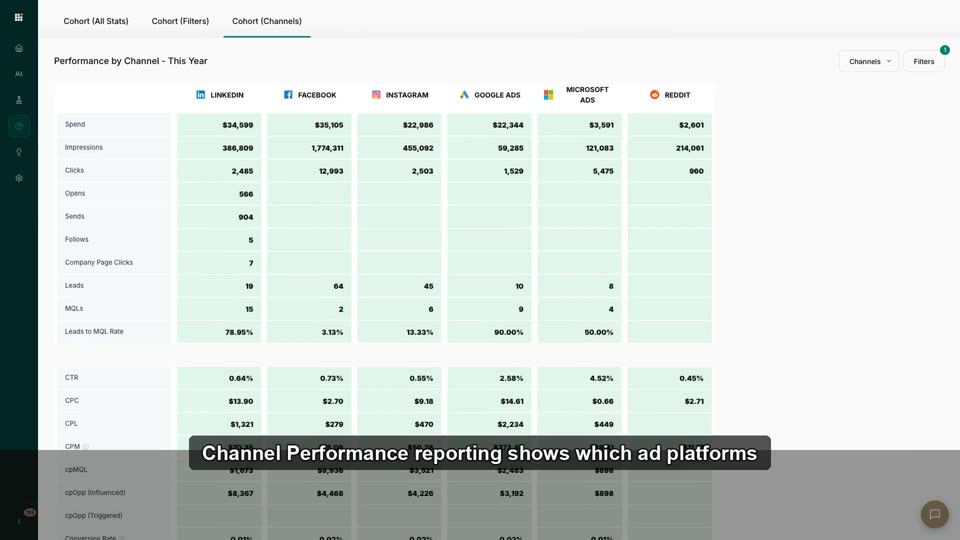
2:40Channel Performance: LinkedIn vs. Meta vs. Google vs. MS vs. Reddit
Read CPL/CPM/CTR/MQL by channel and decide where next quarter's budget goes.
 2:40
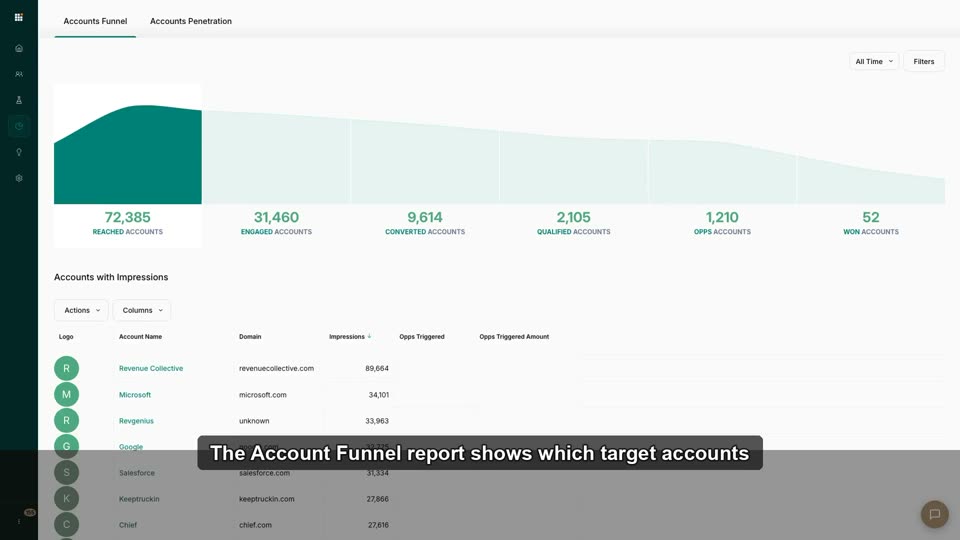
2:40Account Funnel Reports: Drill Into Reached → Won
Move from the dashboard funnel into stage-level account lists you can act on.
 3:21
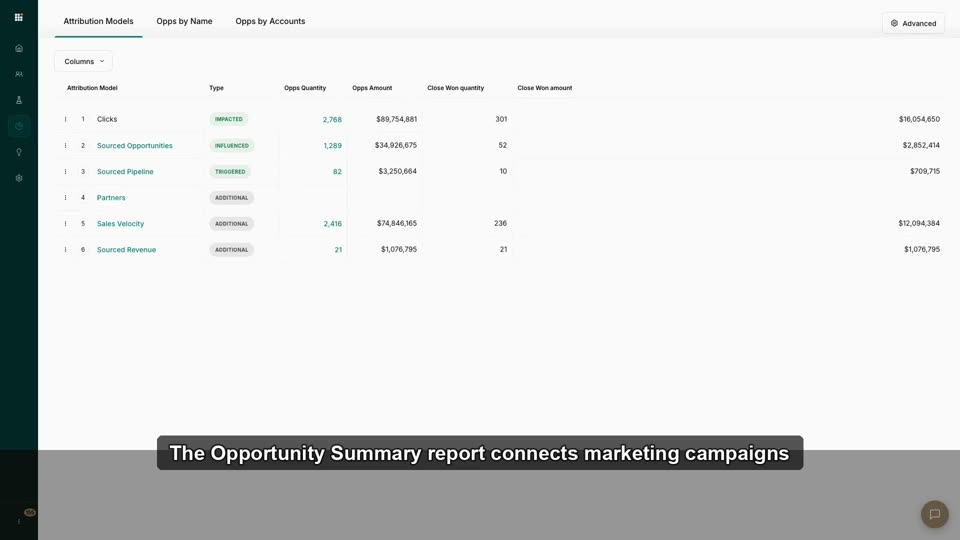
3:21Opportunity Summary & Pipeline Reporting
Connect campaign activity to opportunities, pipeline, and closed-won revenue.
 2:31
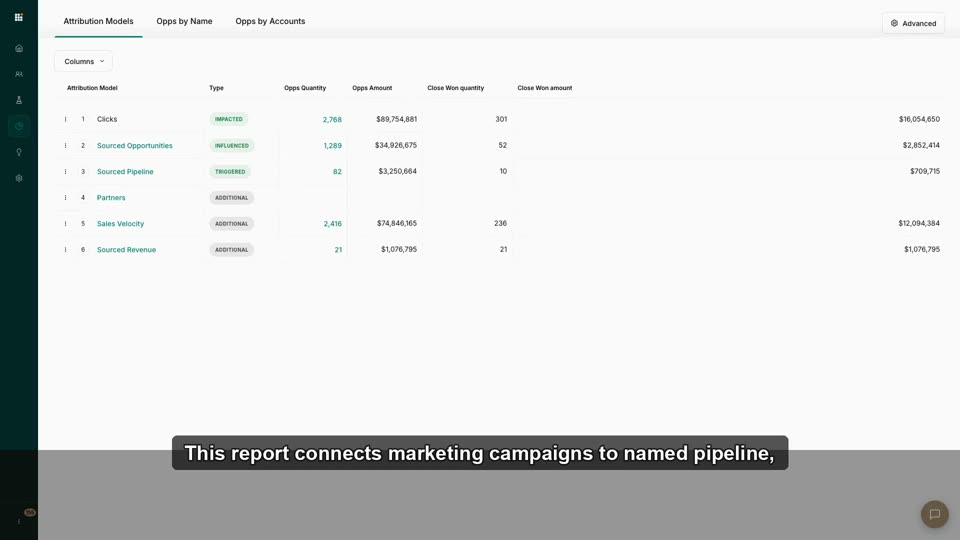
2:31Opportunities by Name, Account & Model
Tie campaigns to named pipeline and defend marketing's revenue contribution.
 2:07
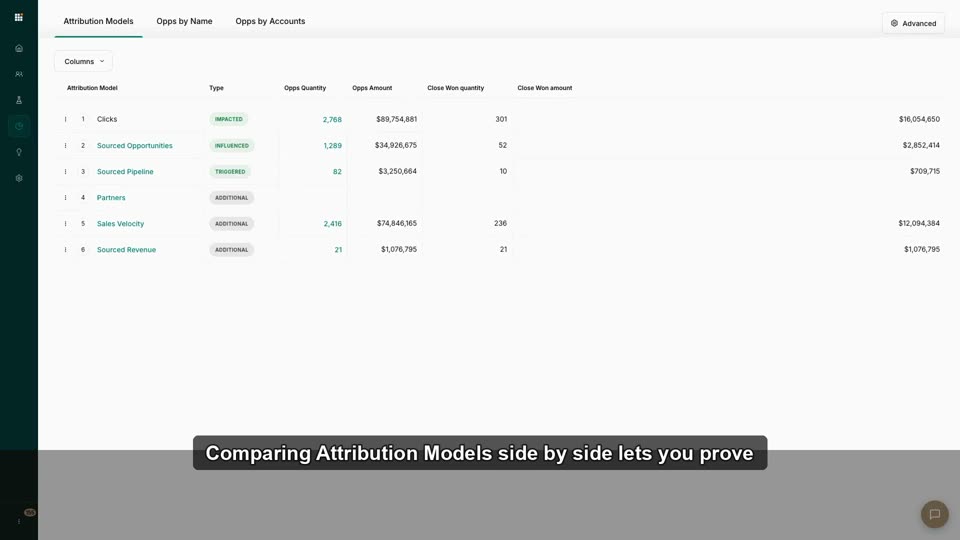
2:07Comparing Attribution Models Side by Side
Toggle models to make a data-backed case for more budget on your channel.
 2:23
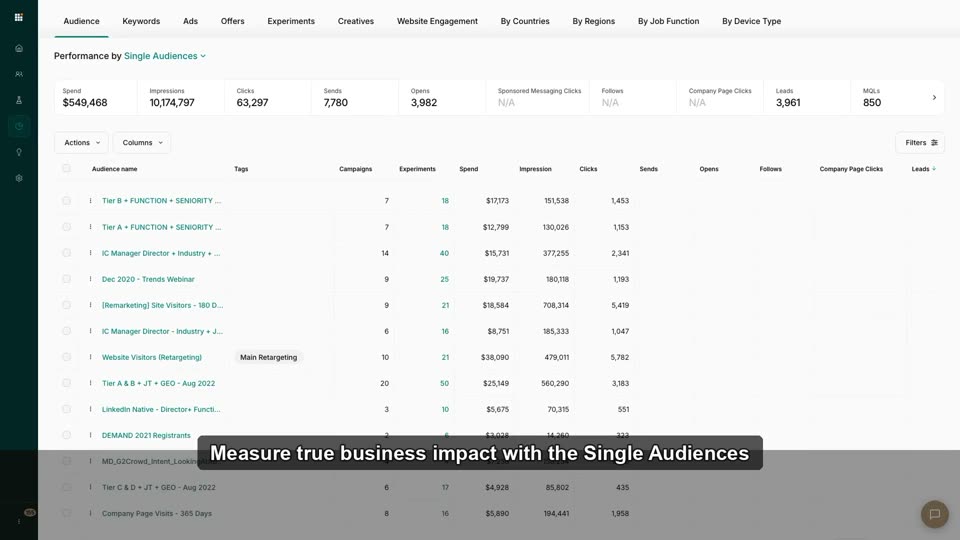
2:23Measure Audience Performance
Compare audiences by engagement, leads, cost-per-MQL, and funnel outcomes.
 2:22
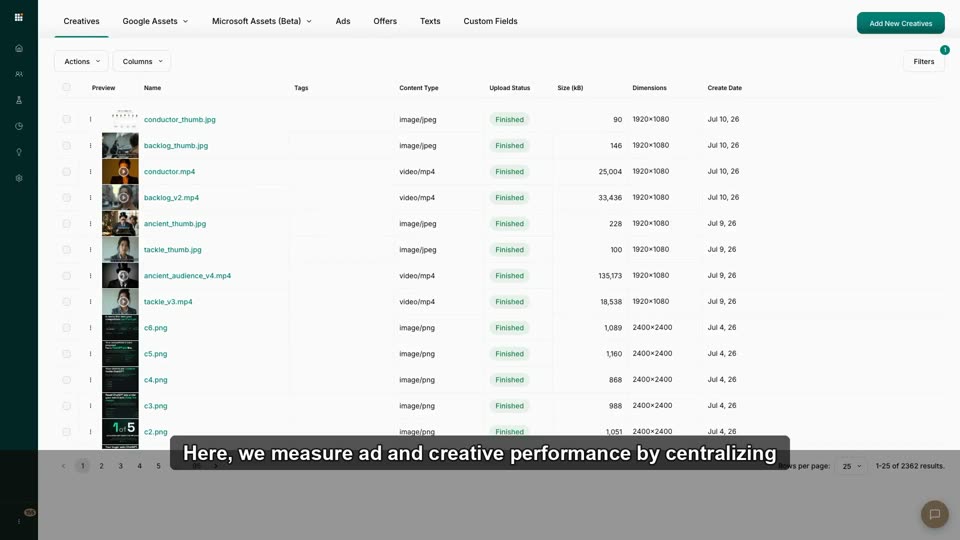
2:22Measure Ad & Creative Performance
Identify winning and underperforming ads or creative assets.
 2:14
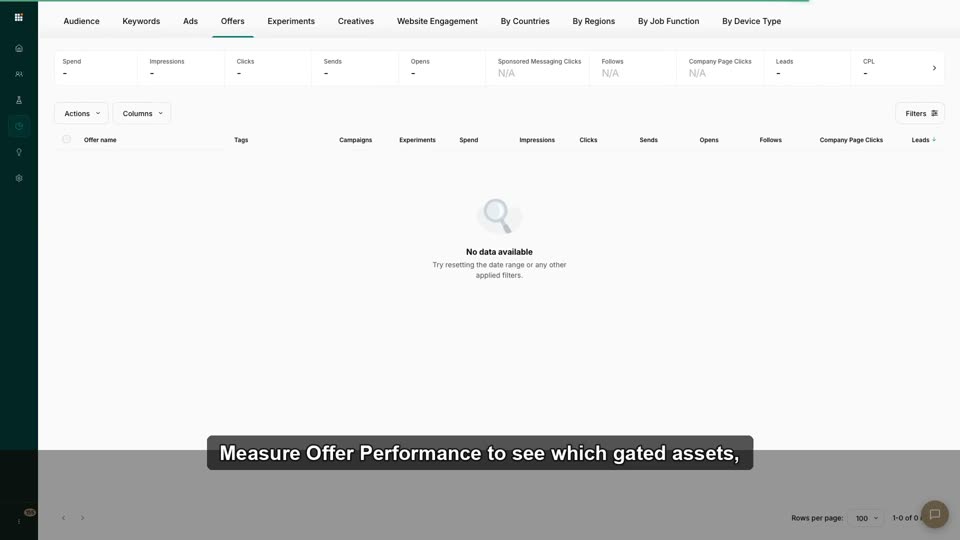
2:14Measure Offer Performance
See which gated offers produce quality conversions.
 2:30
2:30Per-Campaign Deep Dives in Analyze
Diagnose one campaign end-to-end when the dashboard flags a problem.
 2:17
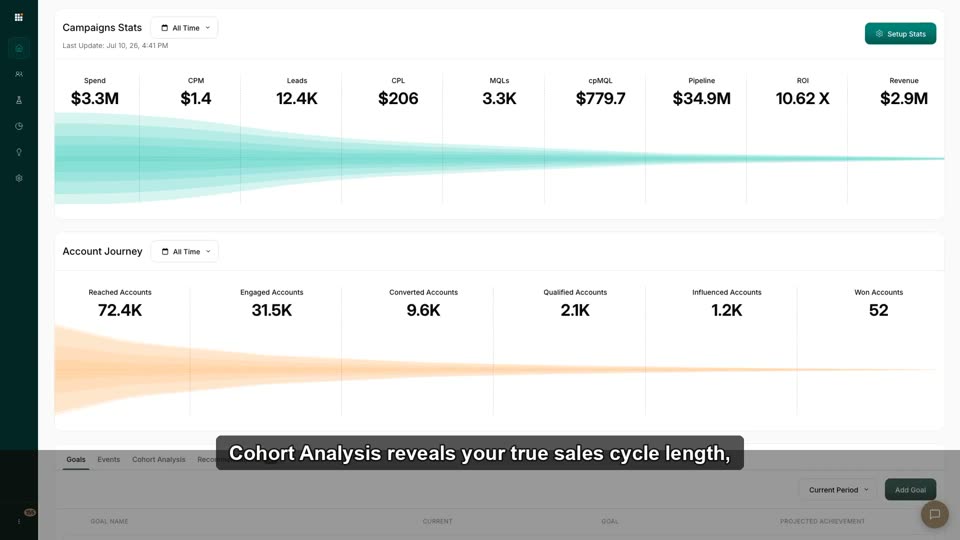
2:17Cohort Analysis: How Long Does Pipeline Actually Take?
Read cohorted results so you stop judging last month's campaigns by this week's revenue.
 2:15
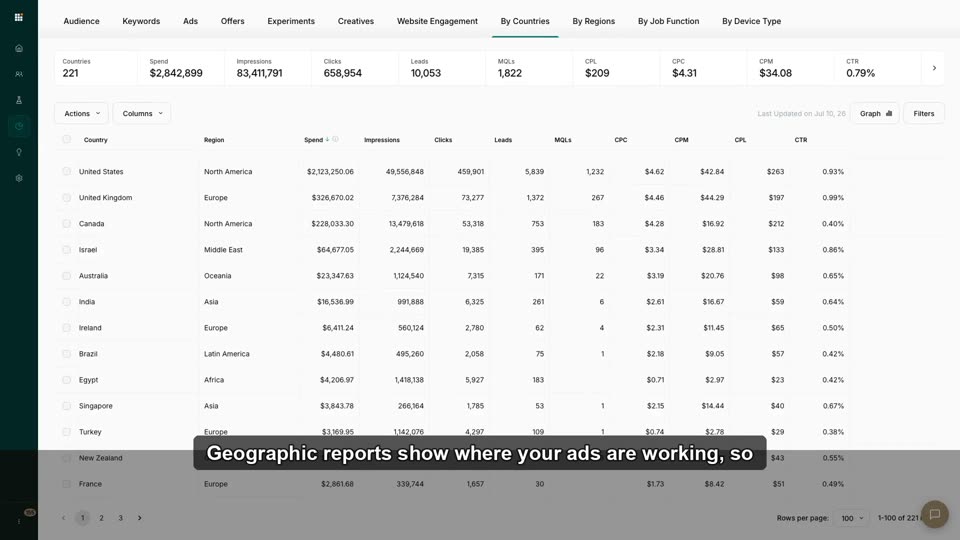
2:15Geographic, Job-Function & Device Reports
Find who and where converts, feed it back into targeting.
 2:15
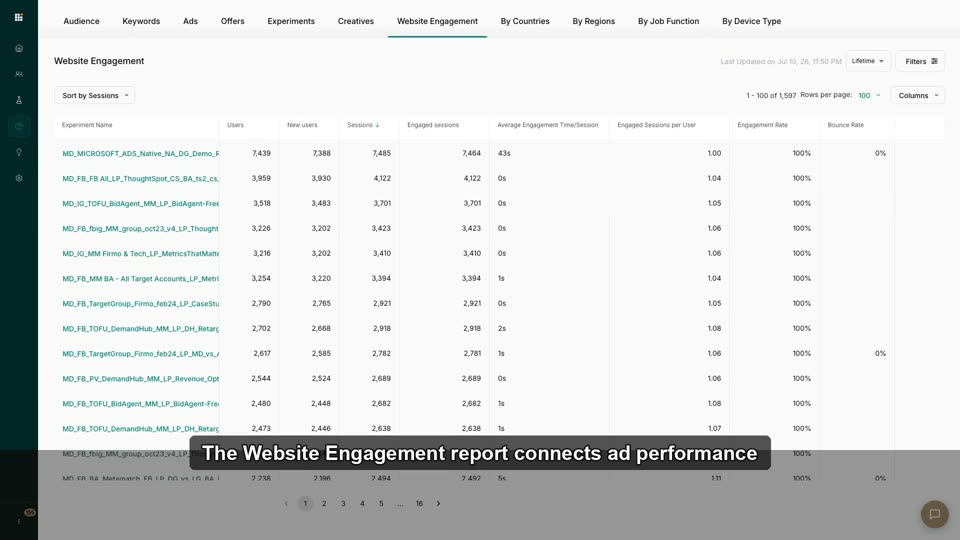
2:15Website Engagement Report: Ads' Effect on Your Site
Connect ad exposure to on-site behavior.
 2:14
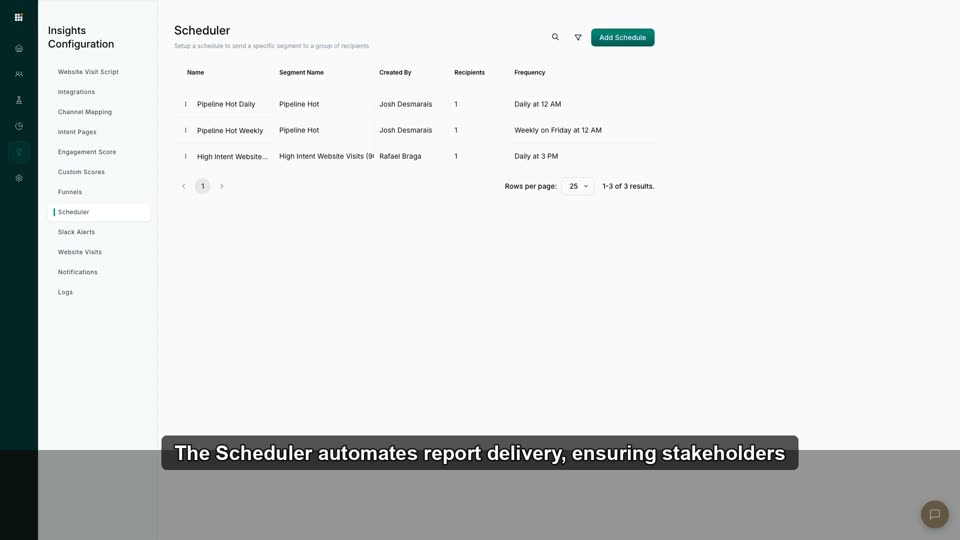
2:14Export & Schedule Hub Reports
Automate weekly PDF/CSV delivery to stakeholders.
 2:00
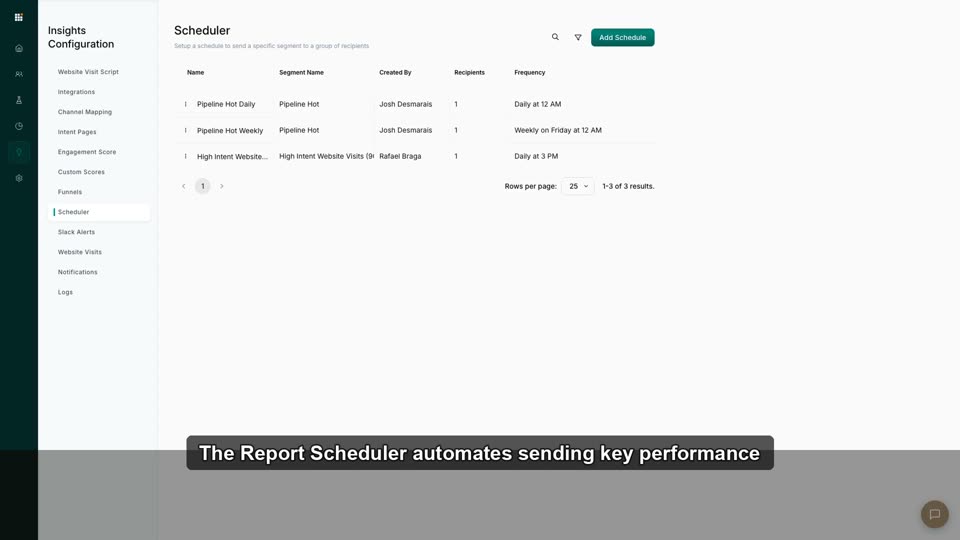
2:00The Report Scheduler
Schedule automated PDF/CSV reports to stakeholders' inboxes.
 2:37
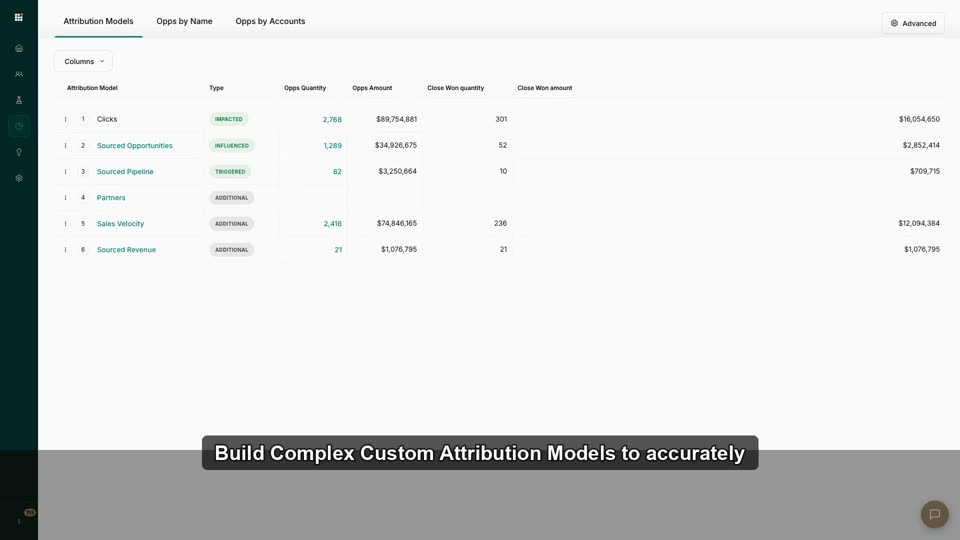
2:37Build Complex Custom Attribution Models
Weight touchpoints (e.g., 40/40/20) to match your sales cycle.
 2:35
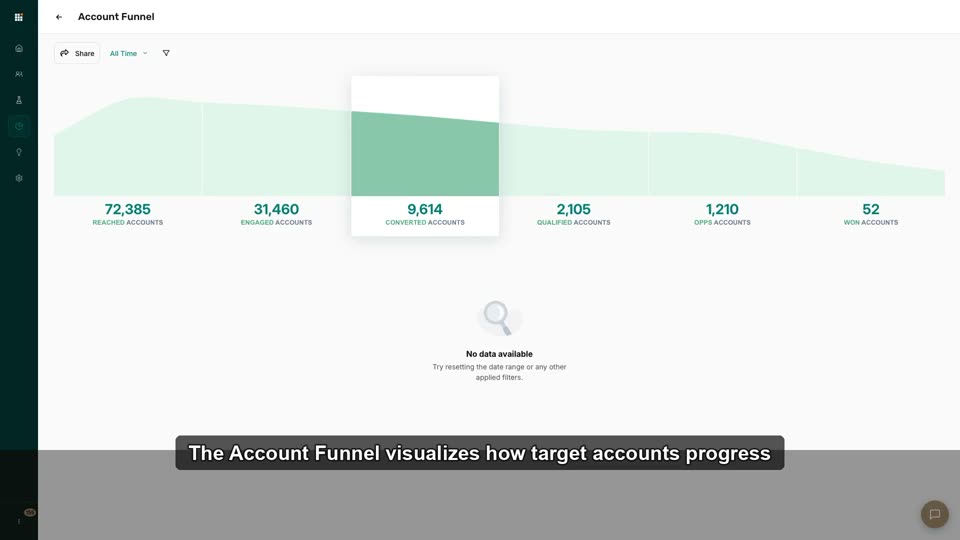
2:35Cohort + Account-List Deep Dive
Combine cohort velocity with account-list segmentation for granular trends.
 2:36
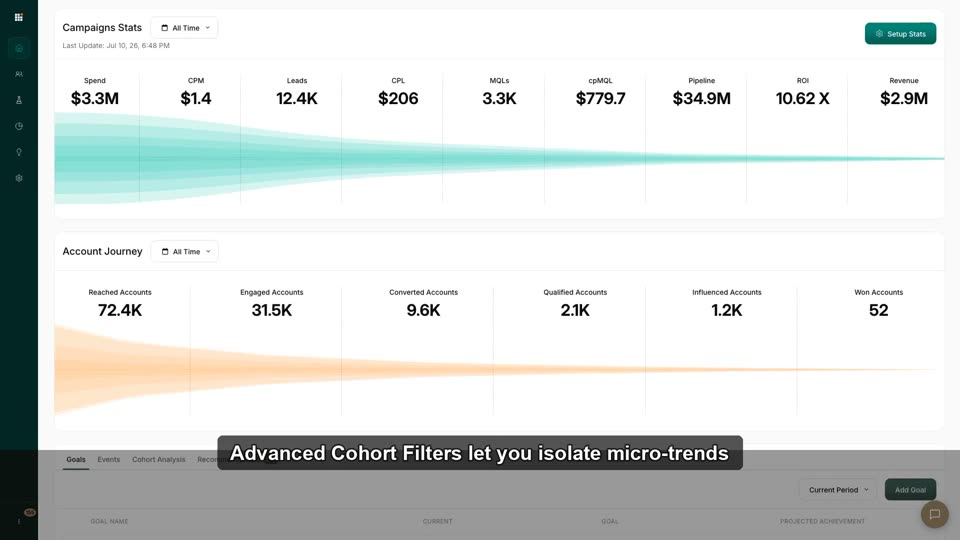
2:36Advanced Cohort Filters
Filter cohorts by campaign, account list, or region for micro-trends.
 2:49
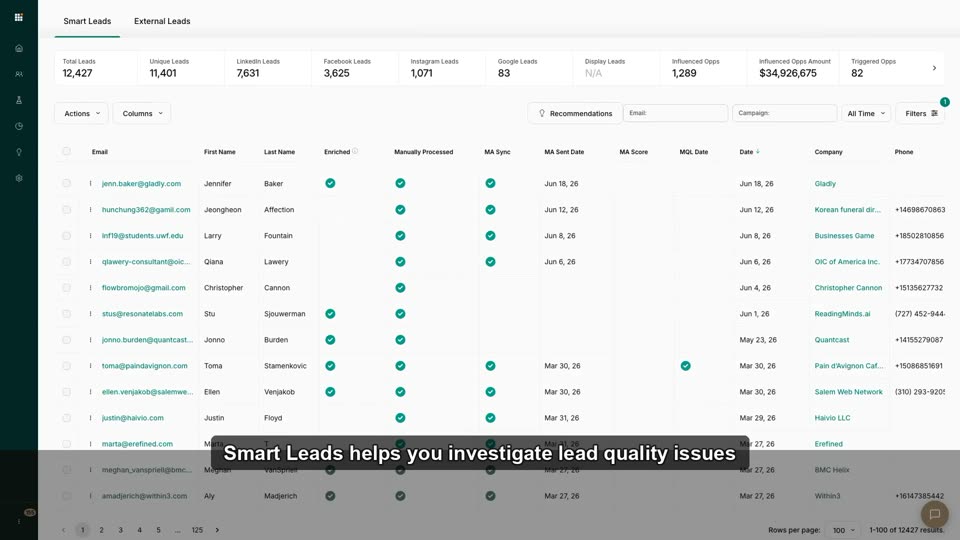
2:49Investigate Low-Quality Leads
Trace bad leads back to the audience, creative, channel, or offer that produced them.
 2:57
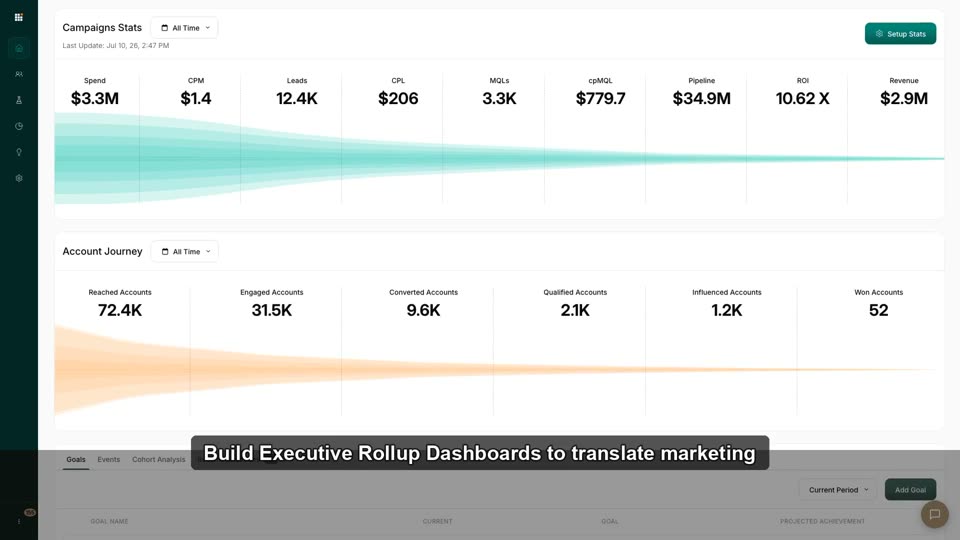
2:57Build Executive Rollup Dashboards
Configure the top-level view to show only C-suite KPIs (Pipeline, ROI, CAC).
 1:34
1:34Goals, Events & Recommendations
The Goals, Events, and Recommendations tabs within the Metadata.io dashboard for performance monitoring and op
 0:46
0:46Dashboard
This video demonstrates the main dashboard in the Metadata.io platform, which provides a high-level overview of campaign performance and the
 0:40
0:40Campaigns Status
This video demonstrates how to use the 'Campaign Status' report in Metadata.io to analyze performance broken down by specific audiences, inc
 0:26
0:26UTMs and Opportunities
This video demonstrates how Metadata.io's performance reporting connects advertising audiences to influenced and won sales opportunities fro
 2:45
2:45Attribution Models
This video demonstrates how to configure a customizable attribution model for "Influenced Opportunities" and shows how the resulting data is
 0:47
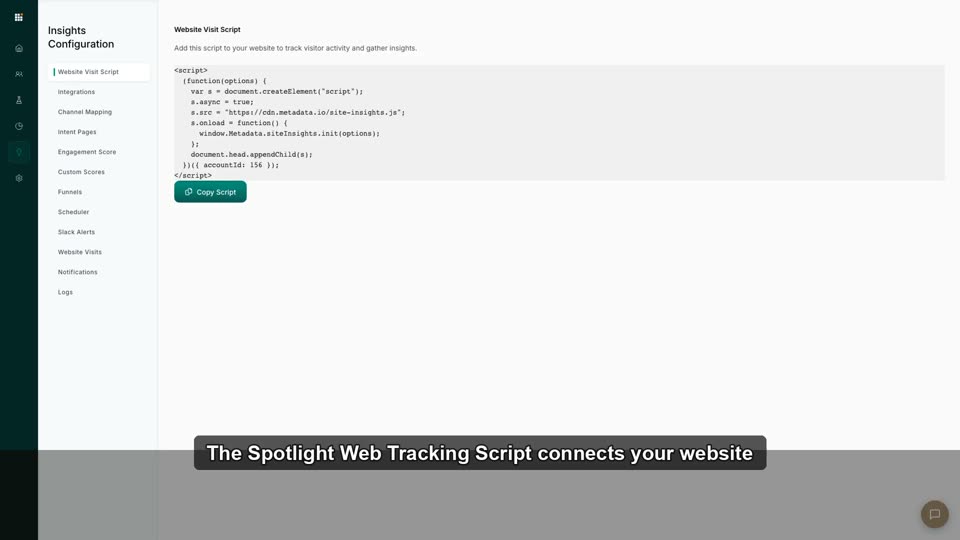
0:47Install the Spotlight Web Tracking Script
Copy, install (via GTM), and verify the script so web analytics + journey data flow day one.
 2:21
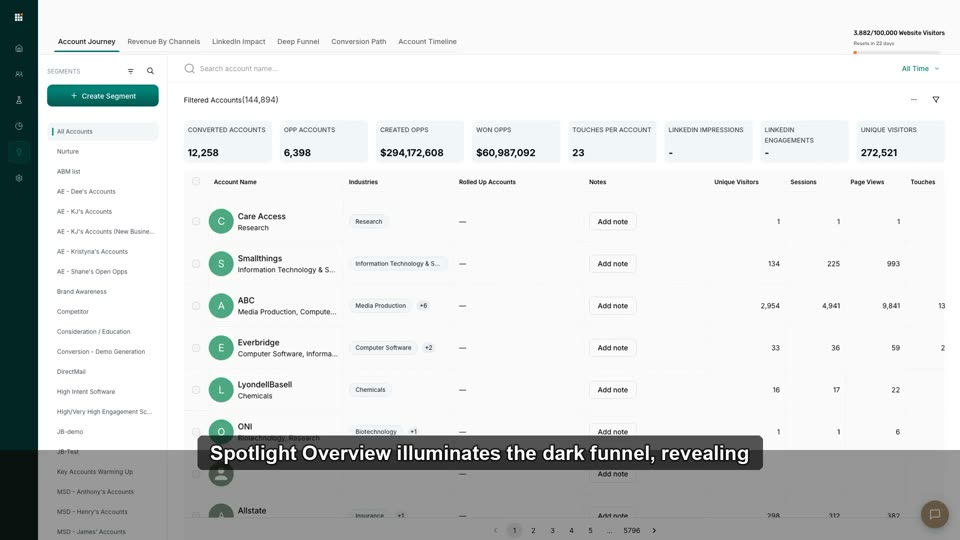
2:21Spotlight Overview: Illuminating the Dark Funnel
Understand Spotlight tracks accounts (not anonymous sessions) and completes the Hub picture.
 2:34
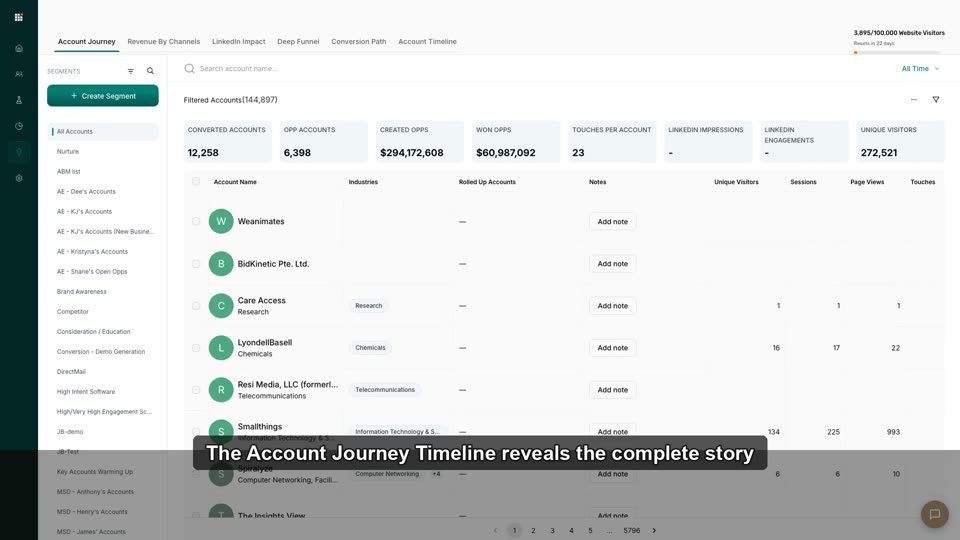
2:34The Account Journey Timeline
Read the anonymous→known→qualified timeline: web visits, ad clicks, CRM status changes for one account.
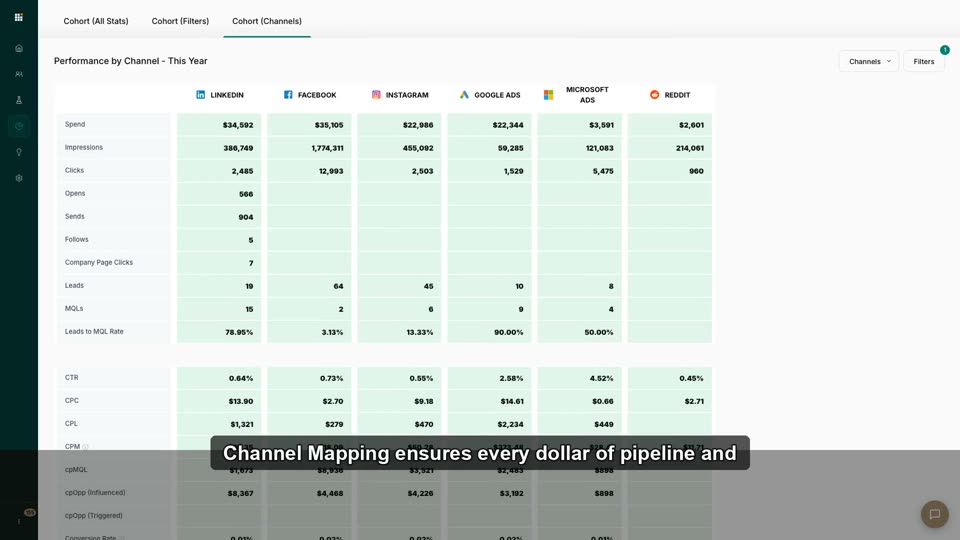 2:56
2:56Channel Mapping: Credit Traffic Correctly
Map traffic sources to channels so revenue reports don't lie.
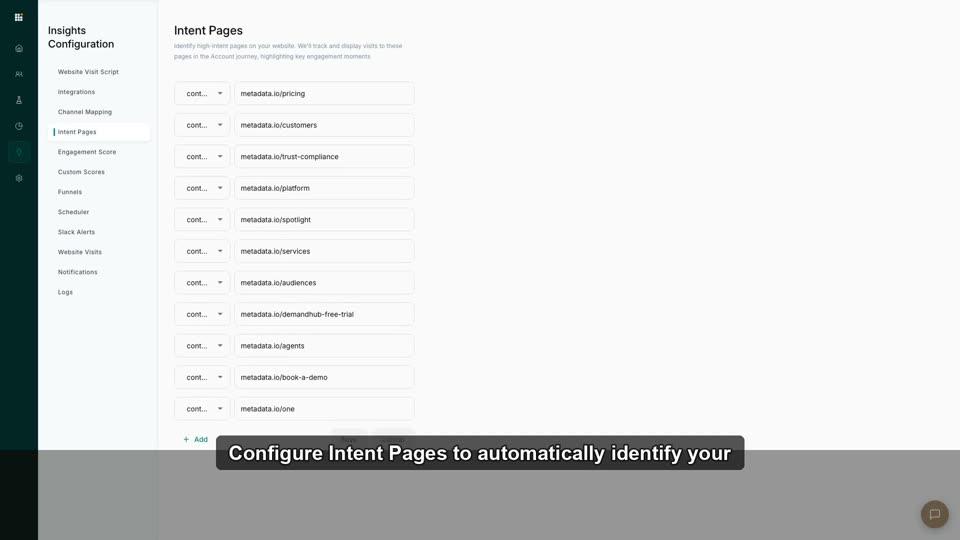 1:57
1:57Configure High-Intent Pages
Define URLs (pricing, demo) that signify high intent and trigger urgent alerts.
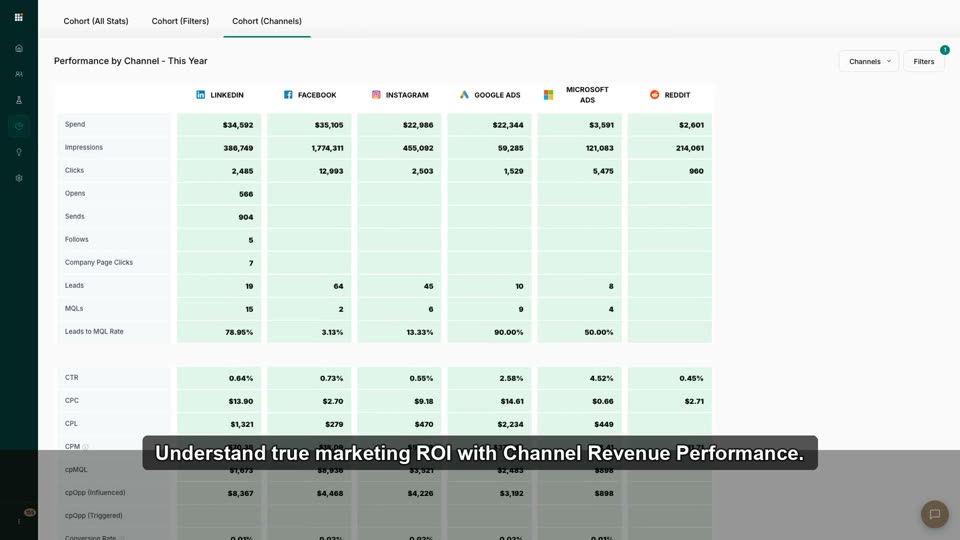 3:23
3:23Channel Revenue Performance in Spotlight
Attribute actual pipeline revenue to the channel that influenced the deal.
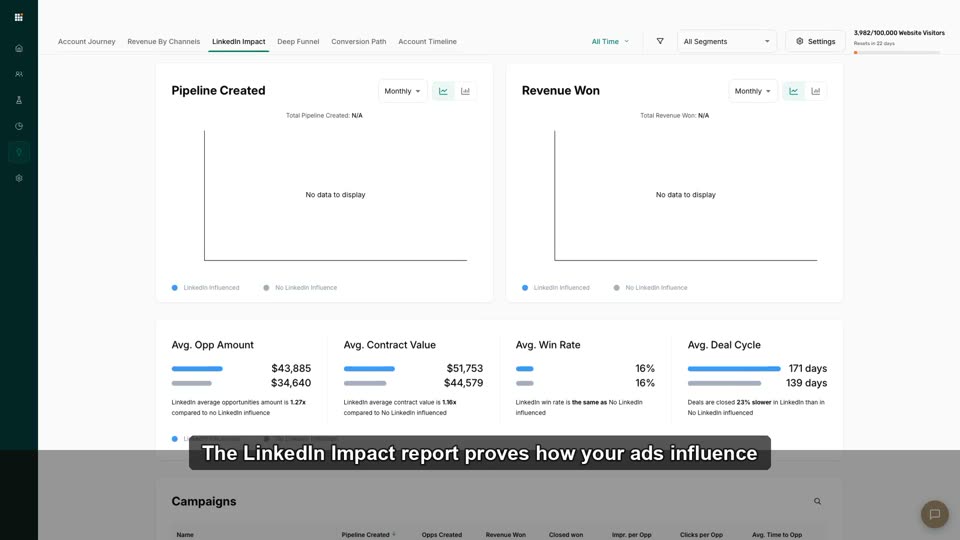 2:58
2:58LinkedIn Impact Report
Quantify how LinkedIn ads drive organic/direct web visits from target accounts.
 2:21
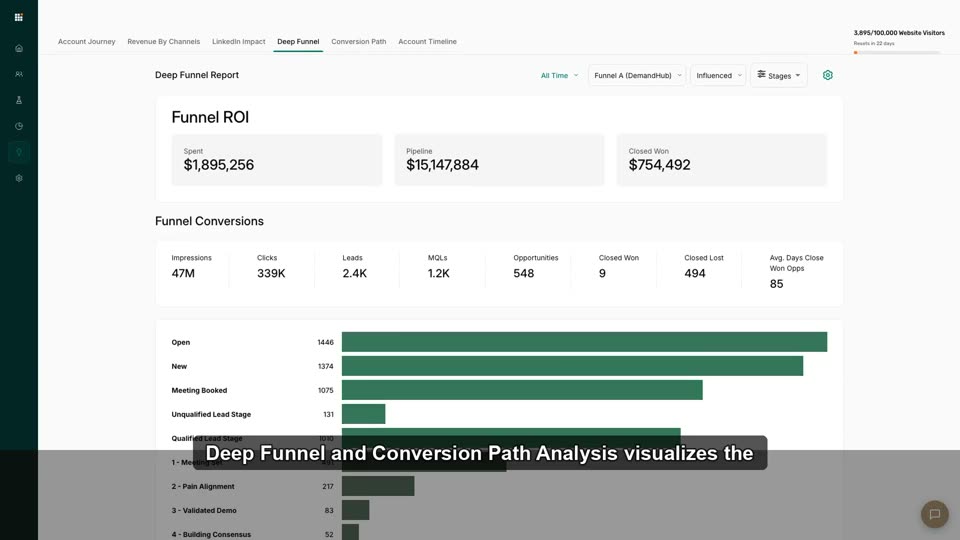
2:21Deep Funnel & Conversion Path Analysis
Visualize the multi-visit, multi-channel path that turns an account into pipeline.
 1:58
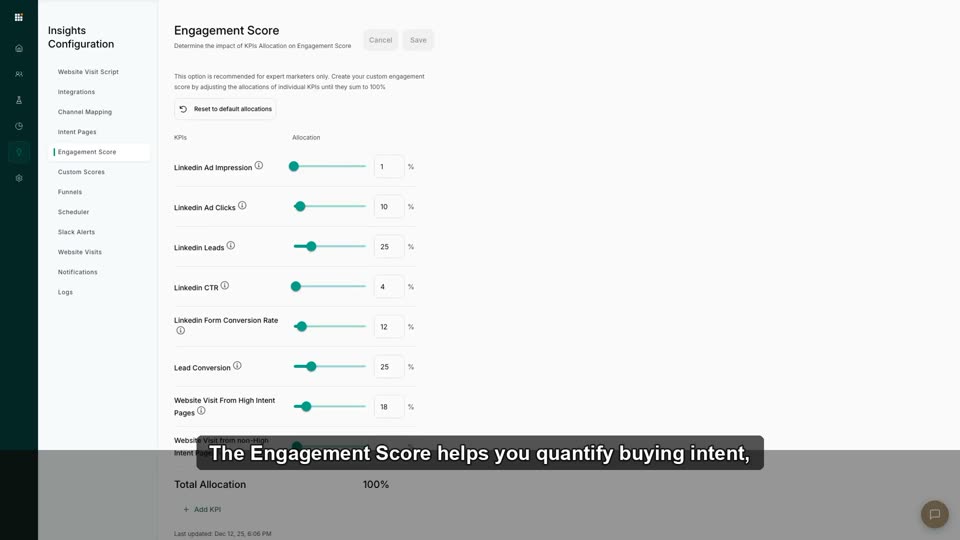
1:58Engagement Scores: What Counts as "Engaged"?
Assign point values to web behaviors to surface hot accounts.
 2:11
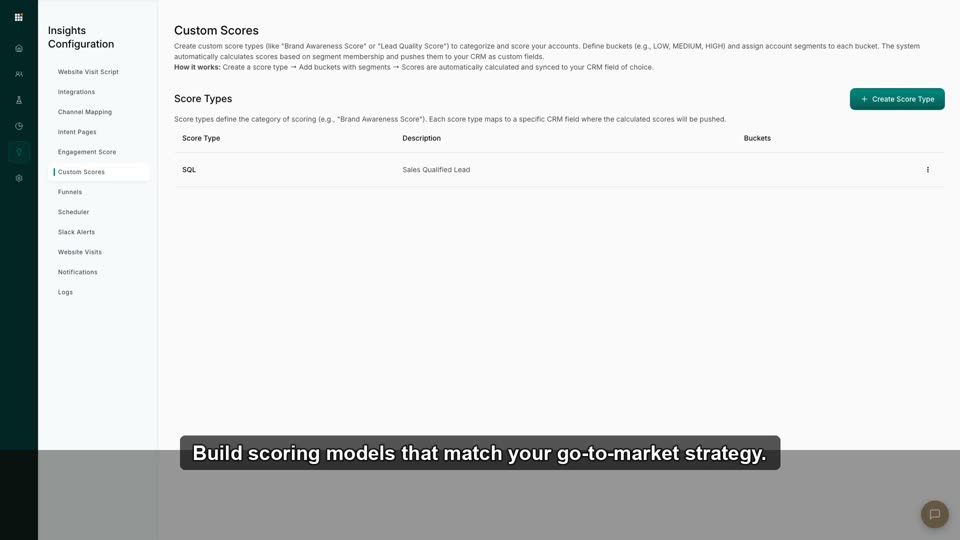
2:11Build & Manage Custom Scores
Build scoring models tailored to your GTM motion (CRM + ad + web activity).
 2:03
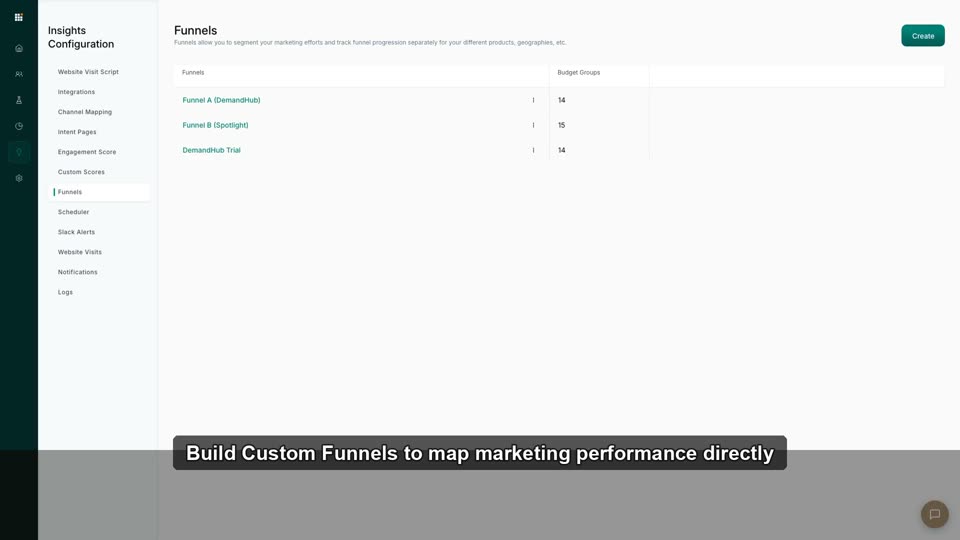
2:03Build Custom Funnels for Your Business
Create funnels matching your exact sales stages, not just the default ABM journey.
 1:57
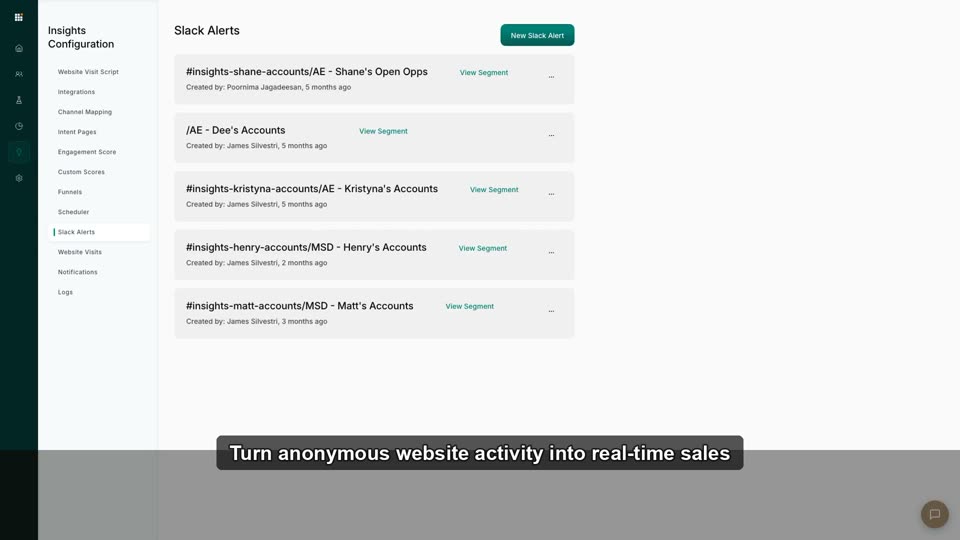
1:57Slack Alerts for Website Activity
Real-time Slack pings when a target account visits high-intent pages.
 3:00
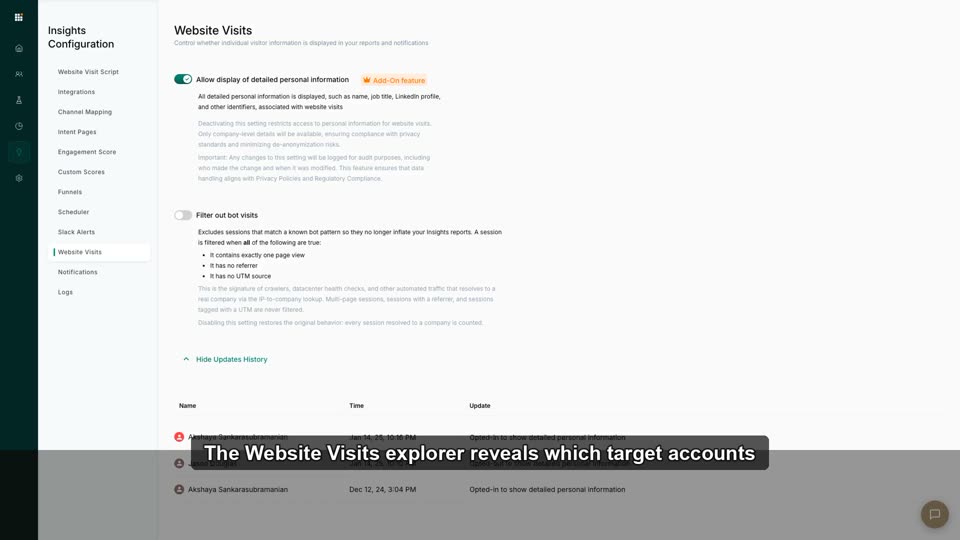
3:00Website Visits Explorer
Inspect de-anonymized daily visits, filtered by industry/size.
 1:58
1:58Sales Alerts: Ping Reps When Accounts Engage
Route engagement signals to sales so ads create conversations, not just clicks.
 1:55
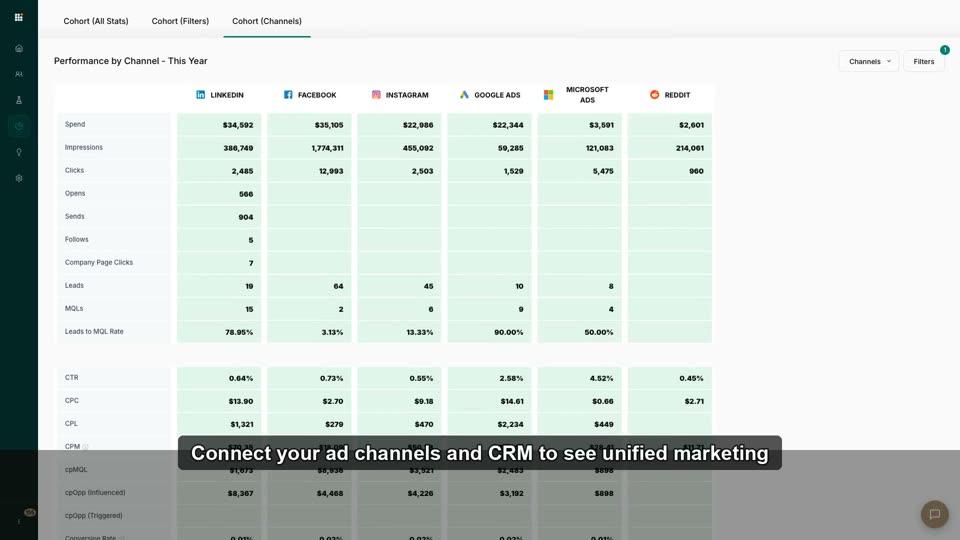
1:55Connect Your Ad Channels & CRM (Do This First)
Authenticate LinkedIn/Meta/Google/MS/Reddit + Salesforce/HubSpot so every downstream feature has data. See the green-che…
 2:44
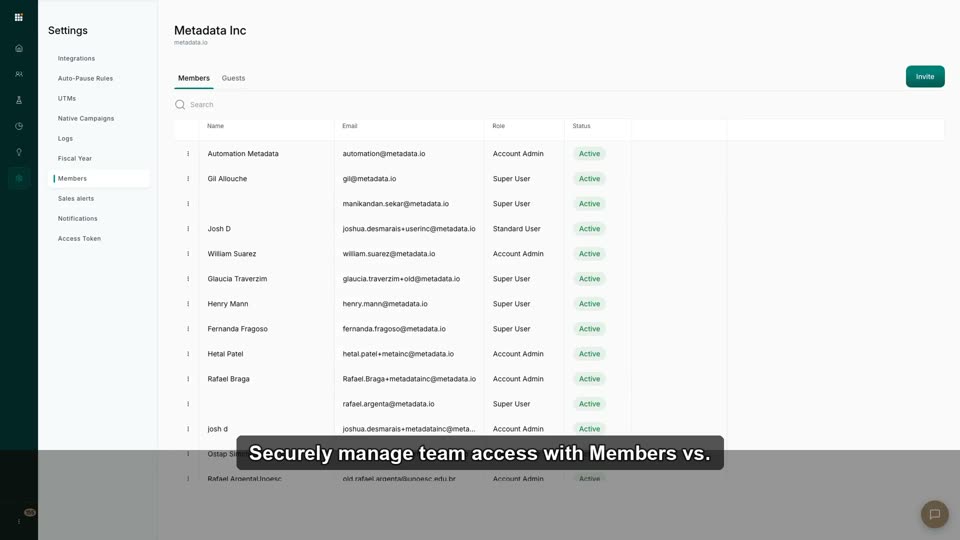
2:44Invite Your Team: Members vs. Guests
Add teammates and agency partners with the right permission level in under a minute.
 2:56
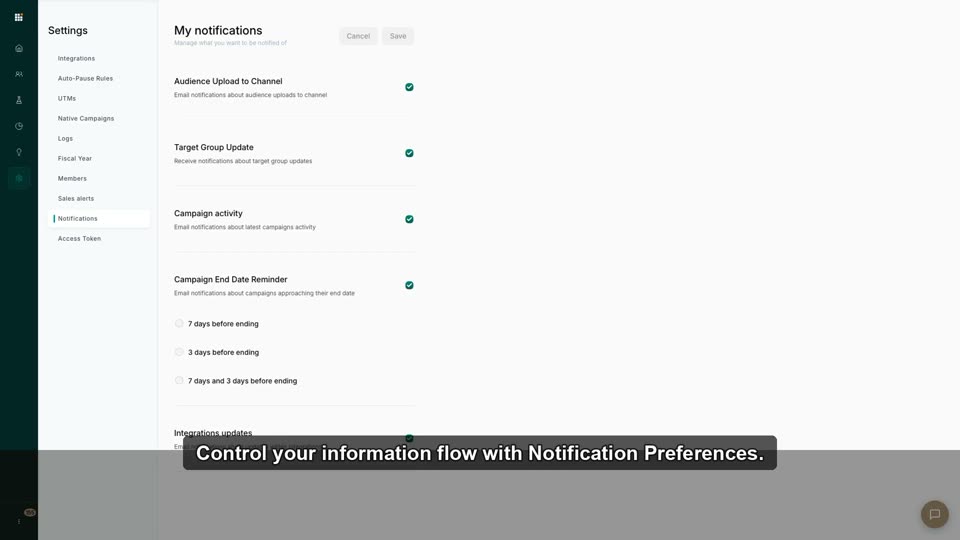
2:56Notification Preferences & General Settings
Set timezone, currency, and email/in-app alert preferences.
 2:13
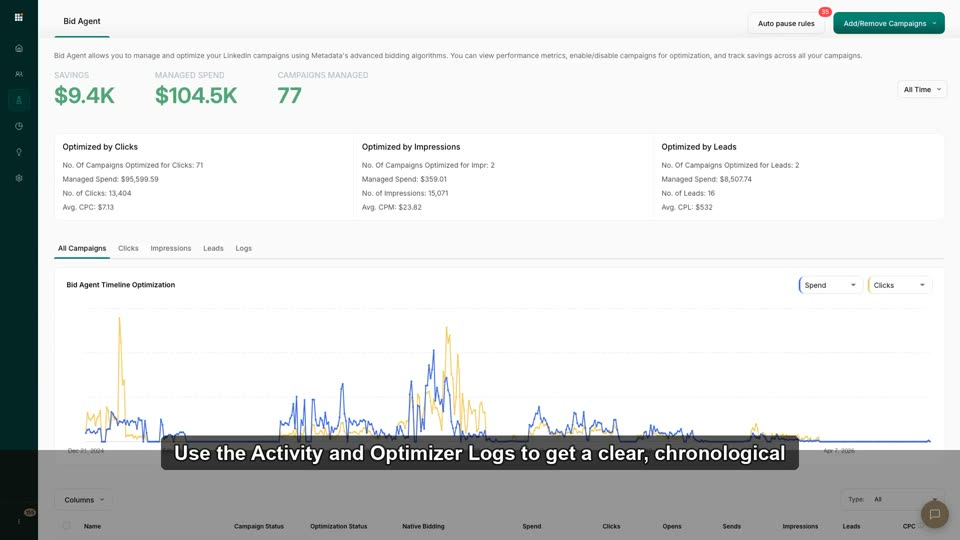
2:13Activity & Optimizer Logs for Troubleshooting
Diagnose why a campaign paused or budget shifted via the audit trail.
 2:19
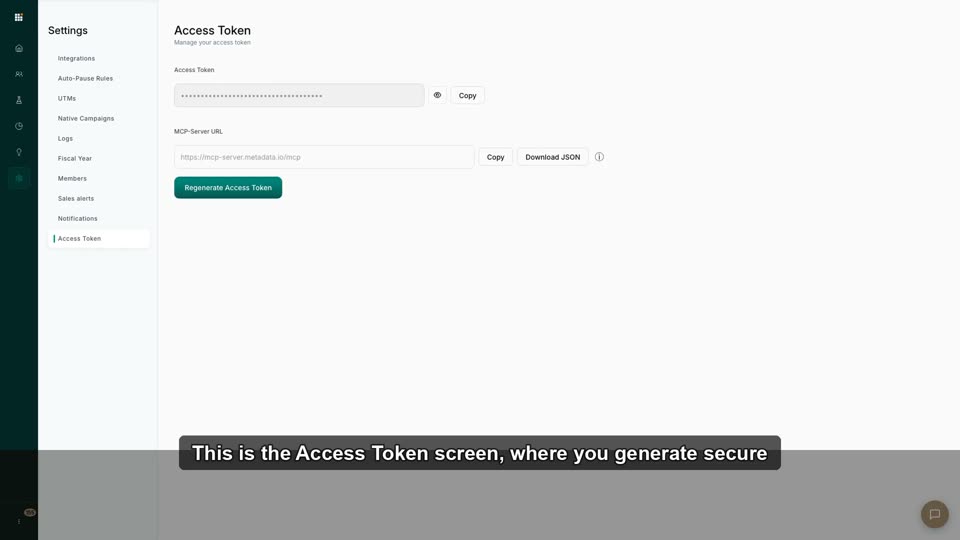
2:19API Access Tokens for Custom Reporting
Generate keys to export data into Tableau/PowerBI/warehouses.
 1:53
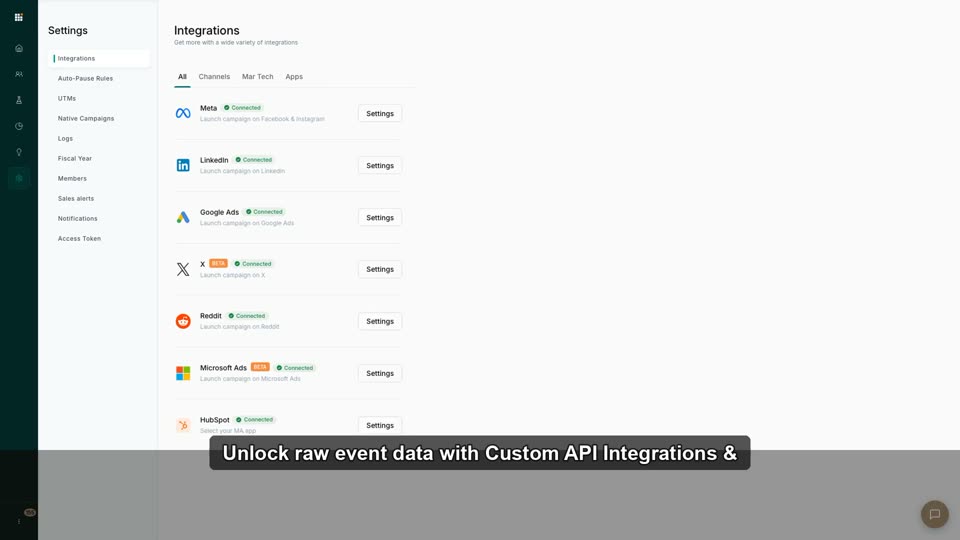
1:53Custom API Integrations & Webhooks
Connect Snowflake/Fivetran/custom tools via webhooks for raw data.
 2:51
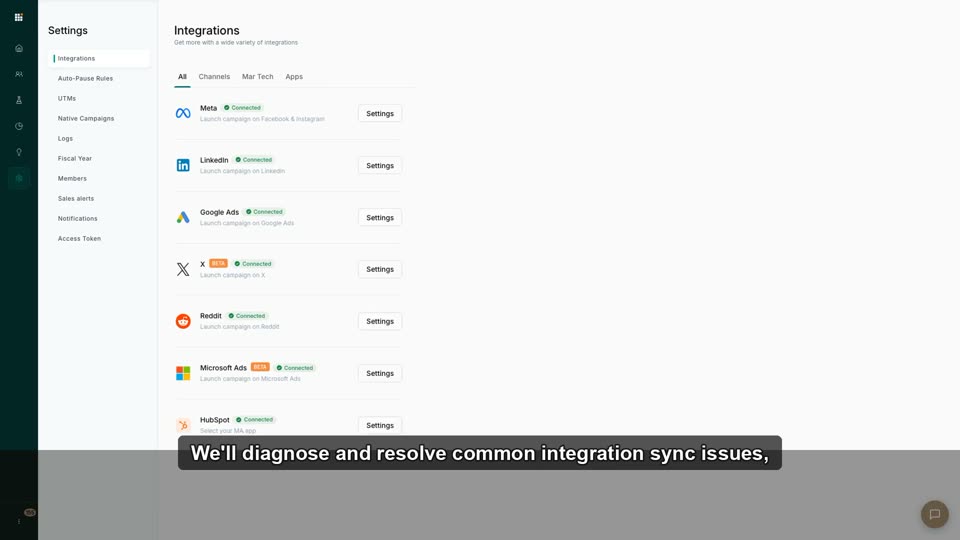
2:51Troubleshooting Integration Sync Issues
Diagnose and resolve common API sync errors with ad platforms or CRMs.
 2:14
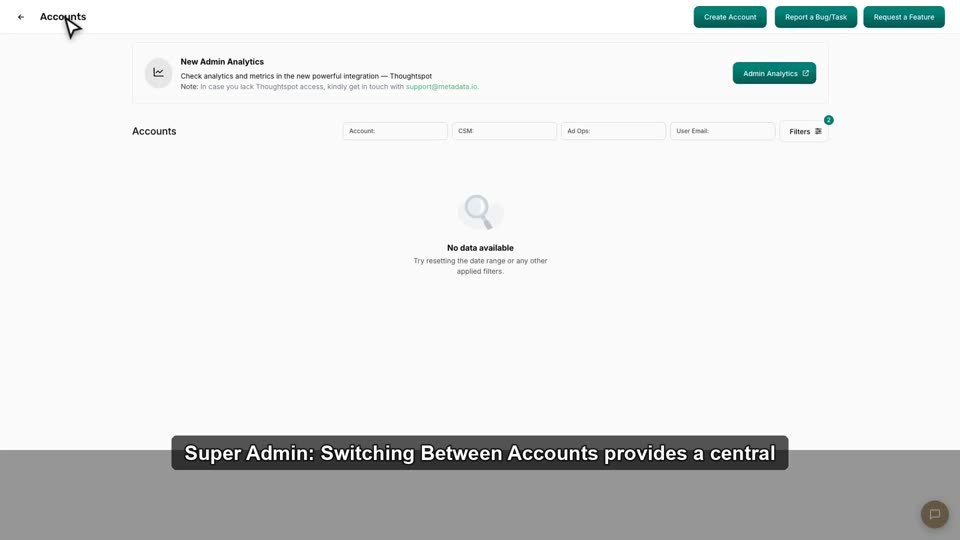
2:14Super Admin: Switching Between Accounts
Manage multiple client/subsidiary accounts from one login (agencies).
 2:00
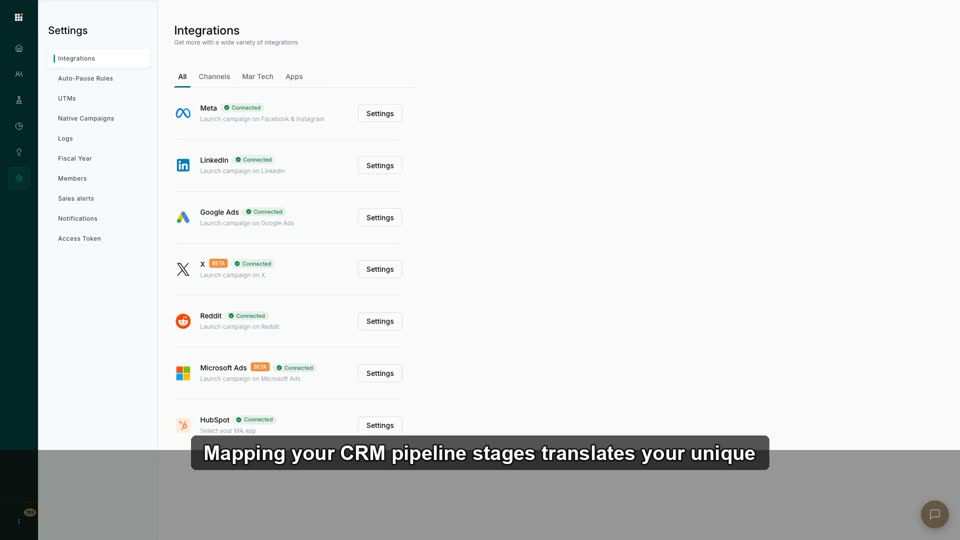
2:00Map Your CRM Pipeline Stages
Map custom CRM opportunity stages to Metadata's standard funnel.
 1:03
1:03Integration
This video demonstrates the Integrations settings page within Metadata.io, showing the various advertising channels and MarTech platforms th
 0:27
0:27Data Fetching
This video explains how Metadata.io uses API integrations to connect with ad platforms for centralized data fetching and campaign management
No lessons match that combination yet.
Ready to put the lessons to work?
See how Metadata helps B2B marketers source pipeline, not just influence it.