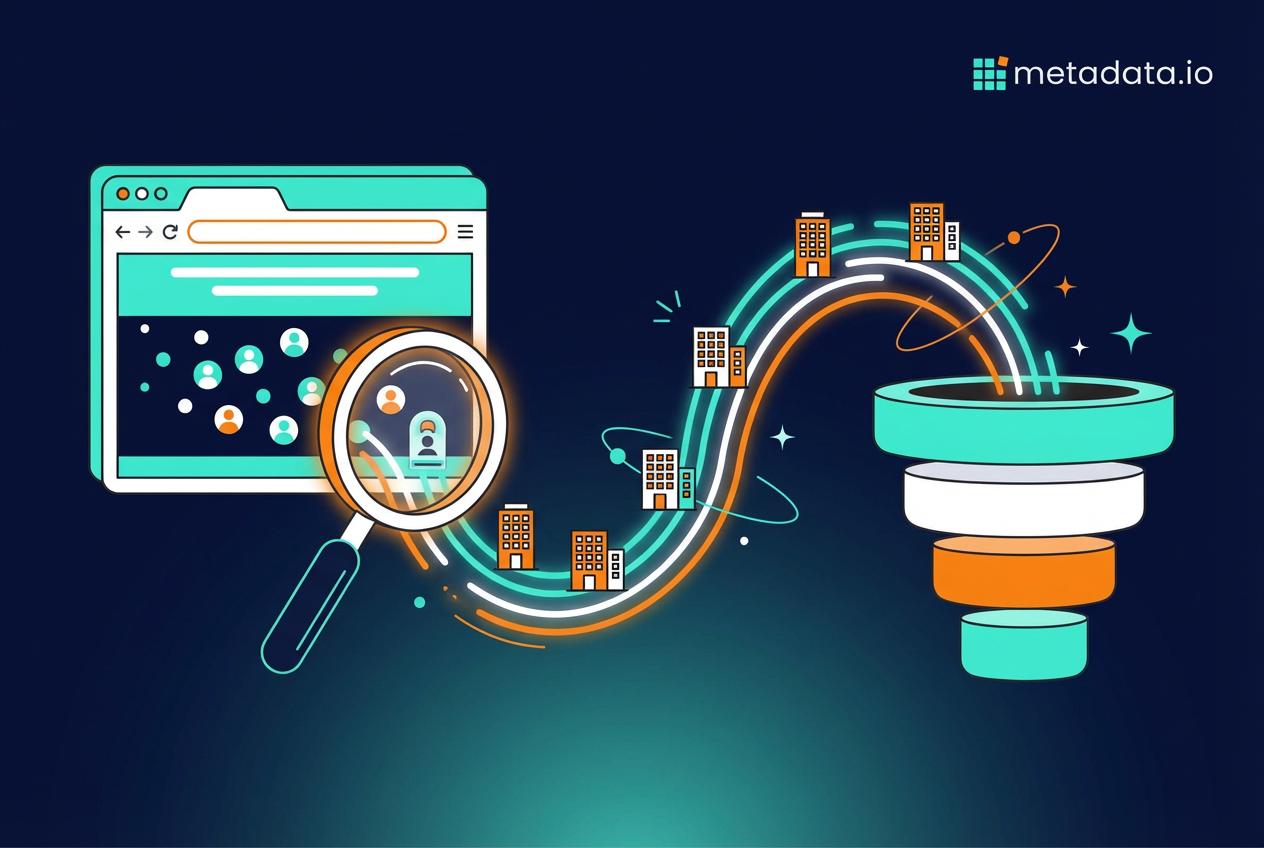
You’re spending thousands on ads to drive traffic to your website, and then 98% of those visitors leave without telling you who they are. This guide explains how anonymous visitor identification actually works, why most tools fail to generate pipeline, and what you need to do differently to turn that silent traffic into revenue.
So what is anonymous website visitor identification anyway
Anonymous website visitor identification is technology that figures out which companies are visiting your website, even when those visitors don’t fill out a form. This means you can see that someone from "Acme Corporation" spent ten minutes on your pricing page, even though they never told you their name.
In B2B marketing, this isn’t about tracking individual people down to their home address. That would be creepy and useless. Instead, it’s about identifying the company where someone works based on their internet connection. You get the company name, not the person’s name.
Think of it like caller ID for your website. When someone calls your phone, caller ID tells you who’s calling before you pick up. Anonymous visitor identification does the same thing for your website traffic—it tells you which companies are checking you out before they decide to reach out.
Why your anonymous traffic is a goldmine you’re ignoring
Here’s the painful truth: you’re spending thousands of dollars every month on ads to get people to your website. Maybe tens of thousands. And then 98% of those visitors leave without ever telling you who they are.
That’s not because your website sucks or your offer is bad. It’s because most buyers aren’t ready to talk to sales yet. They’re doing research. They’re comparing options. They’re building a business case to take to their boss. But they’re definitely interested—interested enough to spend their time reading your content and looking at your product pages.
When you ignore anonymous traffic, you’re basically letting qualified prospects walk into your store, browse around, and leave without anyone even acknowledging they were there. You paid to get them in the door, and then you did nothing with that opportunity. That’s the definition of wasted ad spend.
The companies visiting your site right now include:
- Target accounts from your ABM list
- Competitors checking out your positioning
- Potential customers comparing you to alternatives
- Past prospects who went dark months ago
Some of these visitors are garbage. But a lot of them are exactly the accounts you want to close. You just don’t know which is which because you can’t see them.
How anonymous website visitor tracking actually works
The technology behind this isn’t magic, even though some vendors make it sound that way. There are three main methods that actually work, and understanding them helps you figure out which tools are worth your money.
Reverse IP lookup
This is how most B2B visitor identification works. Every device connected to the internet has an IP address—basically a digital street address. When someone visits your site from their office, their web traffic comes from their company’s IP address, not their personal one.
Reverse IP lookup uses big databases to match that corporate IP address to a specific company. These databases are built by companies that crawl the internet and map which IP addresses belong to which businesses.
Here’s what you actually get from this method:
- Company name: Like "Salesforce" or "Acme Corp"
- Firmographic data: Industry, company size, revenue, location
- Website activity: Which pages they visited and for how long
Here’s what you don’t get: the name of the actual person browsing your site. You know someone from Acme Corp was there, but you don’t know if it was the CEO or an intern in IT.
Browser cookies and tracking pixels
You’ve seen those annoying cookie consent banners on every website. They exist because cookies are how websites remember you. When someone visits your site, you can drop a small text file (a cookie) or an invisible image (a tracking pixel) in their browser.
This doesn’t magically identify anonymous visitors on its own. But here’s where it gets useful: if that visitor comes back later and fills out a form, the cookie connects their previous anonymous browsing to their now-known identity. You can see everything they did before they converted.
This method helps you understand the full buyer journey. You can see that someone visited your site five times over three weeks, read four blog posts, and checked out your pricing page twice before finally booking a demo.
First party data from forms
This is the most obvious method. Someone fills out your "Book a Demo" form and gives you their name, email, and company. They’re not anonymous anymore.
The problem is that most people don’t fill out forms. They’re not ready yet, or they don’t want to get hit with a sales call, or they’re just doing early research. If you only rely on form fills, you’re missing everyone else.
The problem with most B2B website visitor identification tools
Let’s say you buy one of these tools. Great. Now you get a daily email with a list of 50 companies that visited your site yesterday. You open it up, see a bunch of company names, and then… what?
This is where most identification tools completely fail you. They give you data, but they don’t give you a way to actually do anything with it. That list of companies isn’t pipeline. It’s homework.
Here’s what usually happens next:
- Your marketing team manually exports the list and tries to upload it to LinkedIn Ads, Google Ads, and Meta
- Your sales team gets yet another list of cold accounts to call with zero context
- Everyone spends hours doing data entry instead of actual marketing or selling
- Most of the companies on the list never hear from you because the manual work is too much
The tool created more busywork, not more revenue. You’re paying for a fancy spreadsheet that tells you something interesting happened, but doesn’t help you act on it. And by the time you manually build an audience and launch a campaign, those visitors have already moved on to evaluating your competitor.
How to actually use anonymous visitor data to generate pipeline
Getting a list of company names is step one. The only part that matters is what you do next. Here’s how to turn that data into actual pipeline without creating a mountain of manual work.
1. Build hyper targeted audiences for ad campaigns
This is the most powerful move you can make with visitor data. Take the companies that showed intent by visiting your site and immediately retarget them with ads. Not generic brand awareness ads—specific ads about the exact thing they were looking at.
Someone from a target account visited your pricing page. Show them an ad for a demo. They read your case study about healthcare companies. Show them another healthcare case study and a webinar invite. They checked out your integration page. Show them an ad highlighting that specific integration.
The problem is doing this manually. Exporting lists, uploading them to different ad platforms, creating custom audiences, and keeping everything in sync is a full-time job. By the time you get the campaign live, the moment has passed.
The real advantage comes when this process is automated. A platform that sees which accounts are on your site and automatically adds them to your ad campaigns on LinkedIn, Meta, and Google in real time. That’s how you actually scale this strategy without hiring three more people.
2. Personalize the website experience for key accounts
If you know a visitor is from a top-tier target account, why show them the same generic homepage as everyone else. You can change what they see based on who they are.
Here’s how this works in practice. Someone from a major bank lands on your site. Instead of your default homepage, they see a headline that says "Built for Financial Services" and a customer logo from another bank they’d recognize. Someone from a healthcare company sees healthcare-specific messaging and a HIPAA compliance badge.
This isn’t about being creepy. It’s about being relevant. You’re showing them that you understand their world and have experience solving problems for companies like theirs. It makes your site feel less generic and more like it was built for them specifically.
3. Inform your content and channel strategy
Your visitor data tells you what’s working and what’s not. If you’re seeing a ton of traffic from companies in the healthcare industry, that’s a signal. Maybe it’s time to create more healthcare-specific content, write a case study with a healthcare customer, or sponsor a healthcare industry event.
This data helps you stop guessing about what content to create. You can see which blog posts are attracting your ideal customers, which case studies are getting read, and which product pages are getting the most attention from target accounts. Then you make more of what’s working.
You can also see which marketing channels are driving the most valuable traffic. If your LinkedIn ads are bringing in a bunch of target accounts but your Google ads are bringing in junk traffic, you know where to shift your budget.
4. Give your sales team smarter talking points
Instead of handing your sales reps a list of company names with no context, give them actual intelligence. A good setup tells them not just that someone from Acme Corp visited, but what they did while they were there.
Imagine your sales rep gets an alert that says: "Three people from Acme Corp just spent ten minutes on the pricing page and downloaded the ROI calculator." That’s not a cold call anymore. That’s a warm conversation waiting to happen.
Your rep can reach out and say, "Hey, I noticed your team was checking out our pricing. Happy to walk you through how other companies your size typically structure their plans." That’s way more effective than "Just wanted to reach out and see if you’d be interested in learning more about our solution."
The key is giving sales the context they need to prioritize their outreach and lead with something relevant. Not every company that visits your site deserves a sales call. But the ones checking out your pricing page three times in a week probably do.
Stop chasing anonymous visitors and start building pipeline
Here’s the thing nobody wants to say out loud: identifying anonymous visitors is interesting, but interesting doesn’t close deals. A list of companies that visited your website is not pipeline. It’s just data sitting in a spreadsheet.
The goal isn’t to collect more data points or give your sales team another list to ignore. The goal is to use that intent signal to run smarter marketing campaigns that actually generate revenue. You need a system that connects the dots between who’s on your site and the ads they see next—automatically and at scale.
Most companies buy a visitor identification tool, get excited about the data for a week, and then realize they don’t have the time or resources to actually do anything with it. The tool becomes shelfware. The data goes unused. And you’re back to square one, wondering why your website traffic isn’t converting.
What you actually need is a platform that takes that visitor data and immediately puts it to work. It should automatically build audiences, launch retargeting campaigns, and adjust your ad spend based on which accounts are showing real intent. That’s how you stop wasting money on cold traffic and start focusing your budget on the accounts that are already warm.
That’s the difference between a tool that gives you a report and a platform that generates pipeline. One makes you feel smart. The other makes you money. And if you’re spending real money on ads every month, you need the one that makes you money.
Benchmark context: across 153 B2B advertisers and $57.6M of 2025 ad spend, Metadata's 2026 B2B Paid Media Benchmark reports what a LinkedIn lead actually cost, and how that varied by ad format, audience and offer type.